
What are the different Video Sequences you can add to your fitness video?
Video Sequences mark different parts of your fitness routine video like the intro, the exercise routines, rest periods, the ending or outro, and any additional parts you might want to include in your video.
Let’s look at the different Sequences you can add to create your fitness video and what elements appear in each Sequence.
1. Intro Sequence
This Sequence marks the beginning or the introduction to your video.
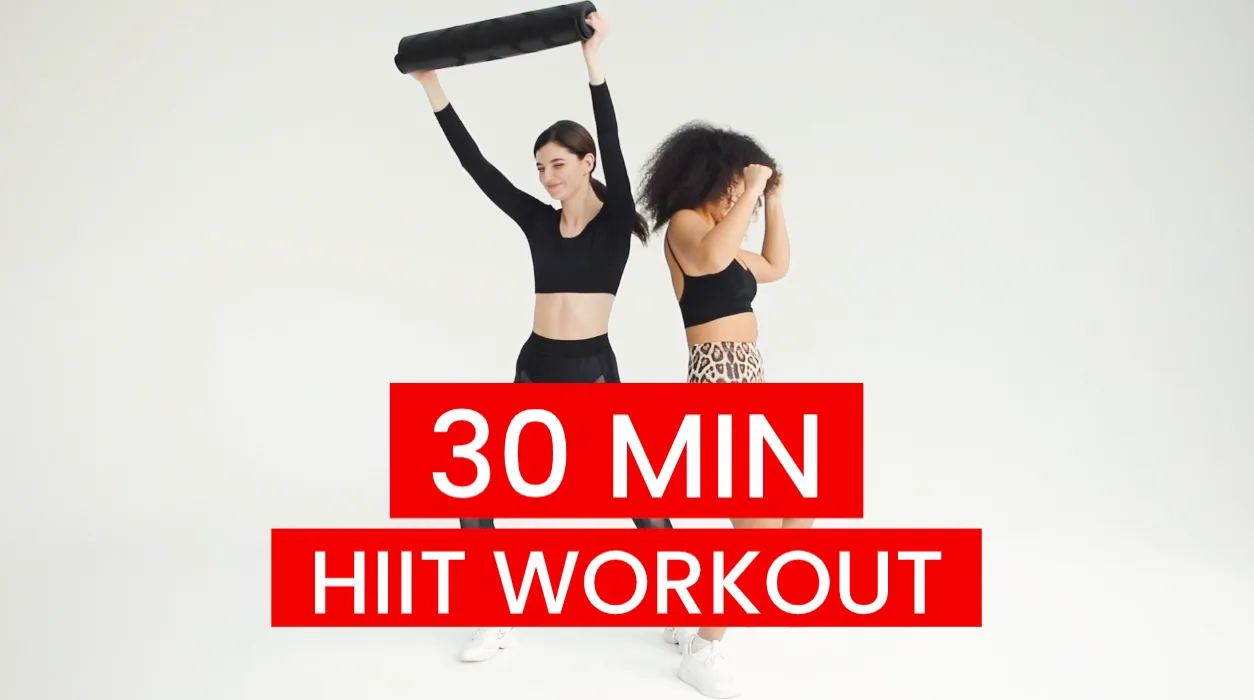
Elements you can add and edit in this Sequence:
Intro Title
Social media Badge (hidden by default)
2. Steps Sequence
This Sequences helps you mark the different exercise sets in your fitness routine. You can add multiple Step Sequences to your video.
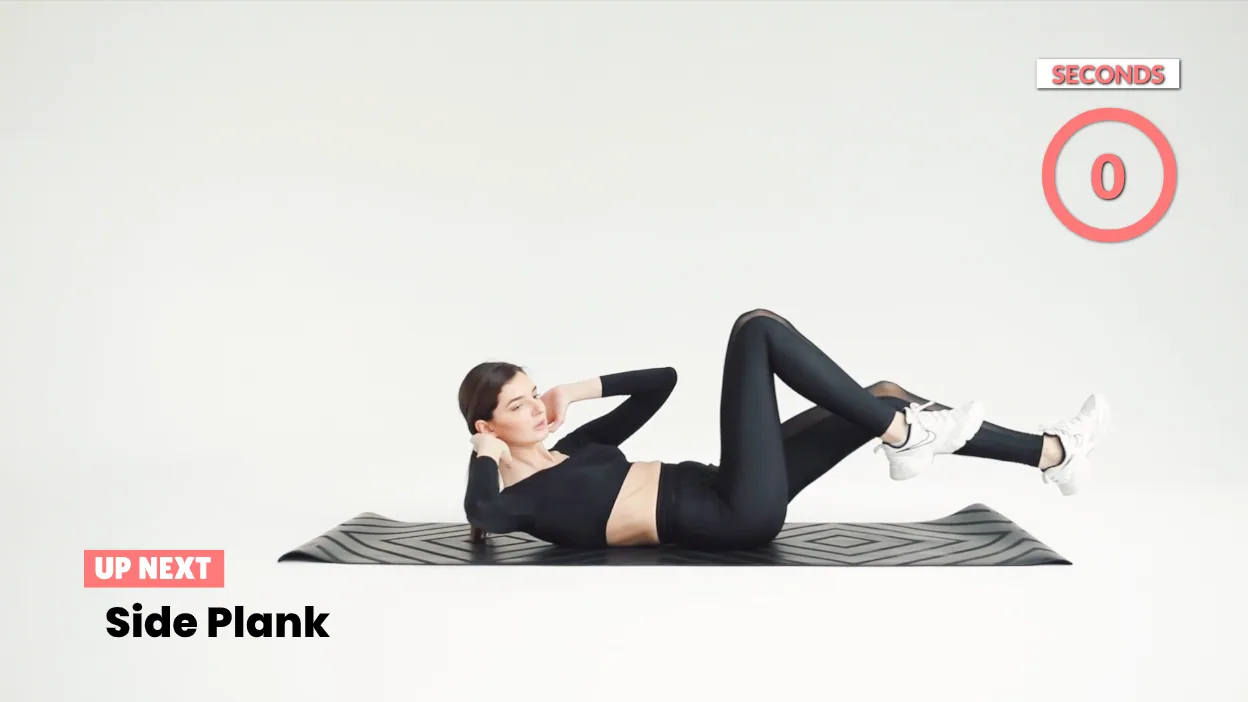
Elements you can add and edit in this Sequence:
Steps and Descriptions Lower Third
Step Timer
Social Media Badge (hidden by default)
3. Rest Sequence
There are three different ways you can choose to display a Rest Sequence. Each of these types lets you a different kind of clip as the background of this Sequence. You can can create a Rest Sequence you from:
Your Source or your own videos
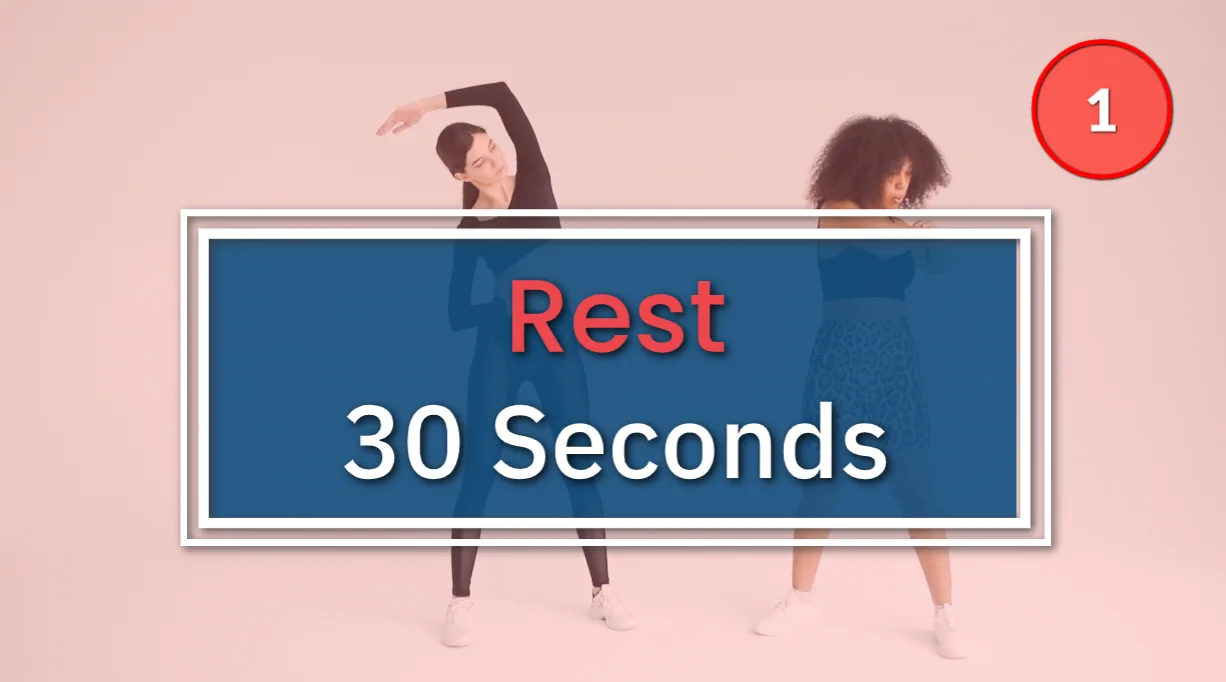
Stock Media from our collection of stock photos and videos
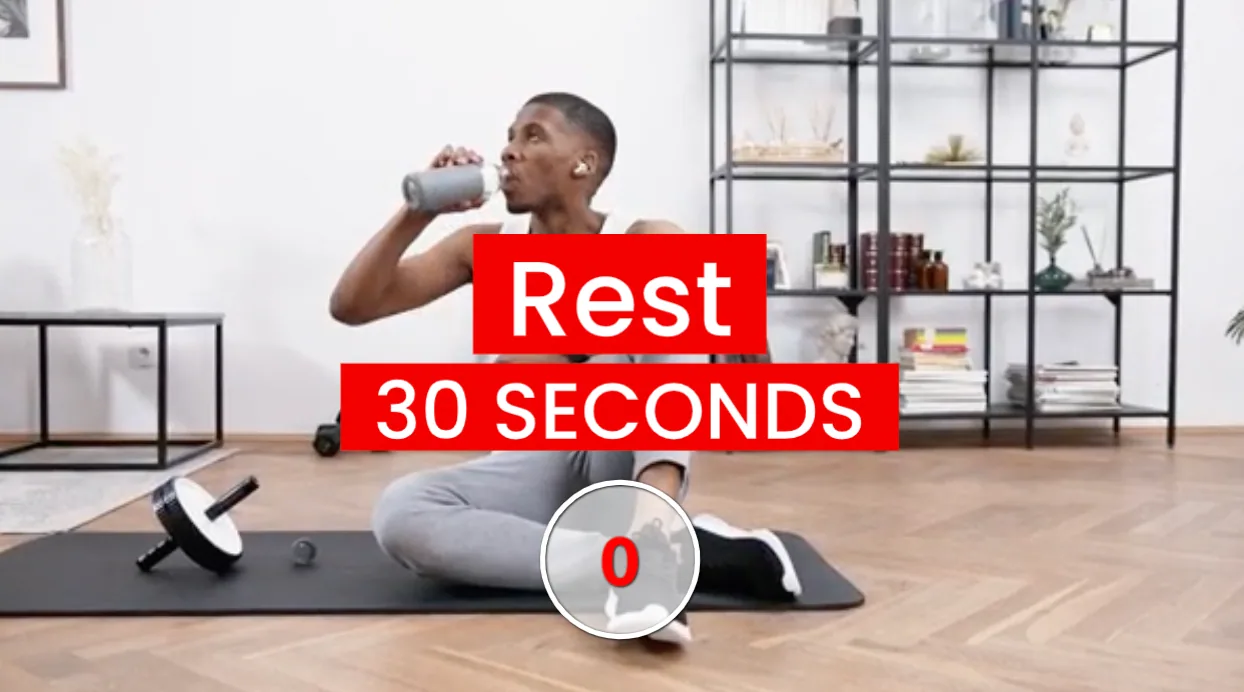
Card as a rest sequence with a solid colored background
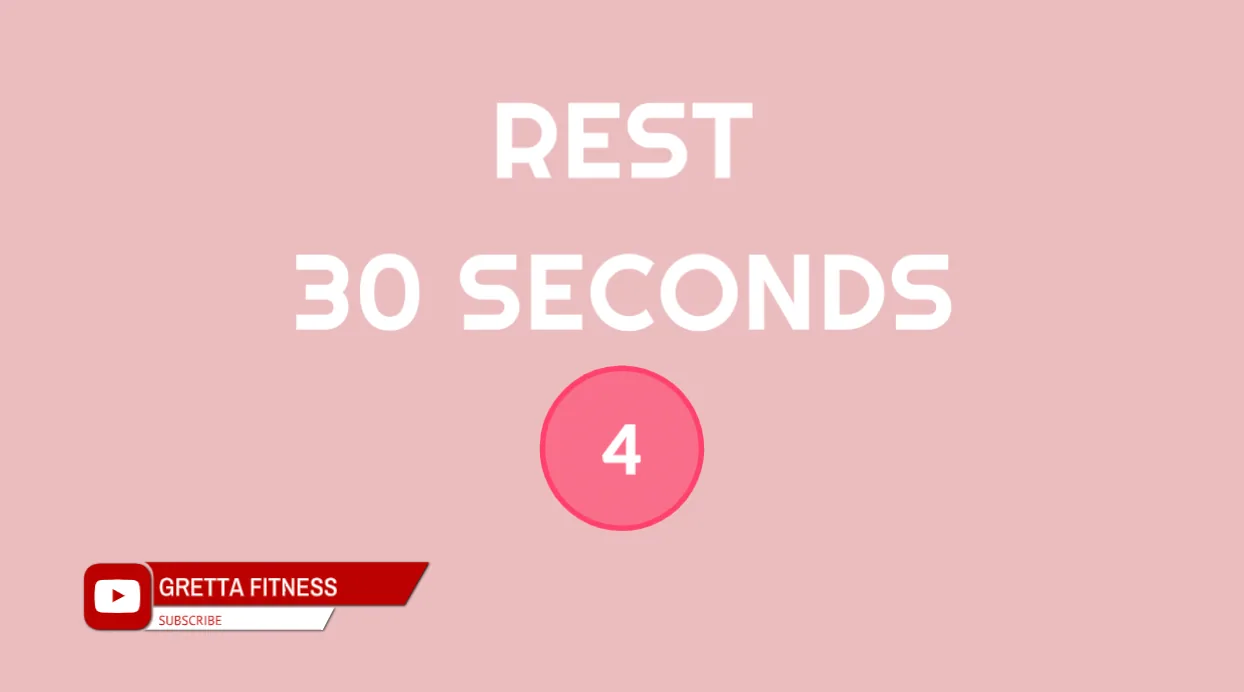
Elements you can add and edit in this Sequence:
Title
Rest Timer
Social Media Badge
Typito Logo (only appears in the Rest Card Sequence)
4. Wrap up Sequence
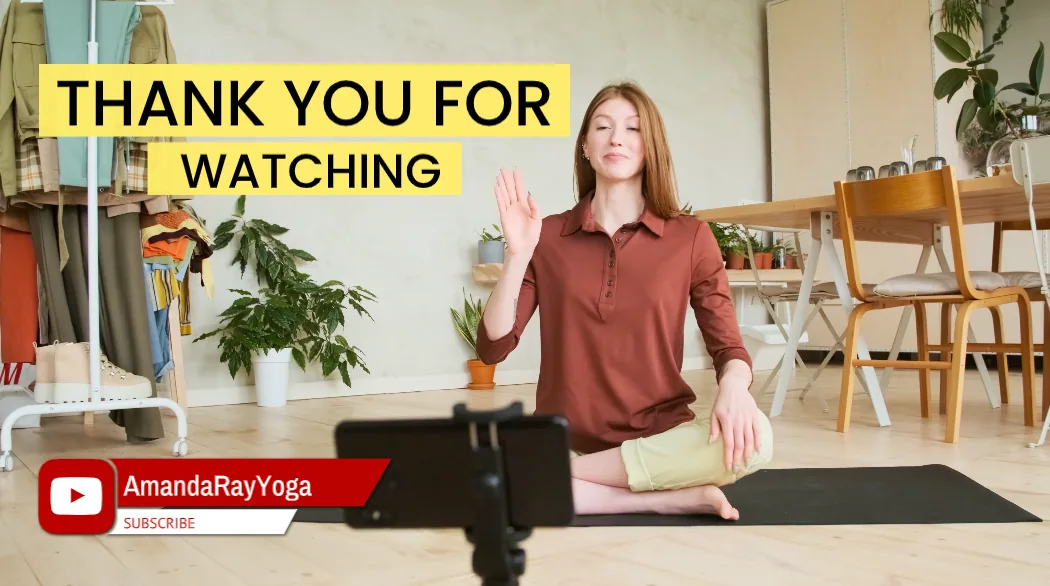
Elements you can add and edit in this Sequence:
Title Text
Social Media Badge
5. Placeholders
There are different Placeholders you can add to your video. Placeholders are a great way to give your viewers more information about any specific instruction or even to display promoted content.
Here are some of the types you can choose from:
Disclaimer
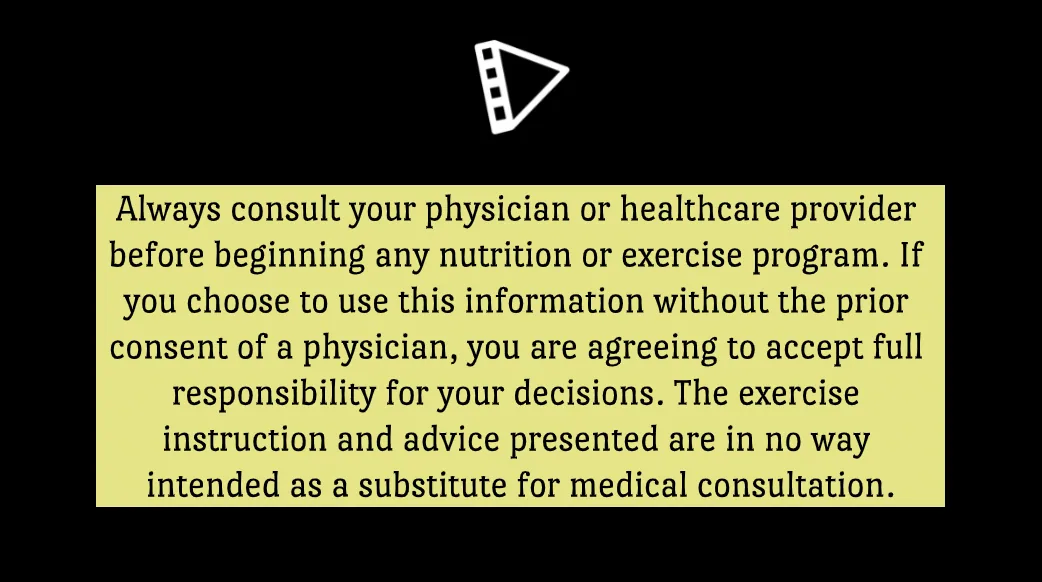
Elements you can add and edit in this Sequence:
Logo
Paragraph
Promo
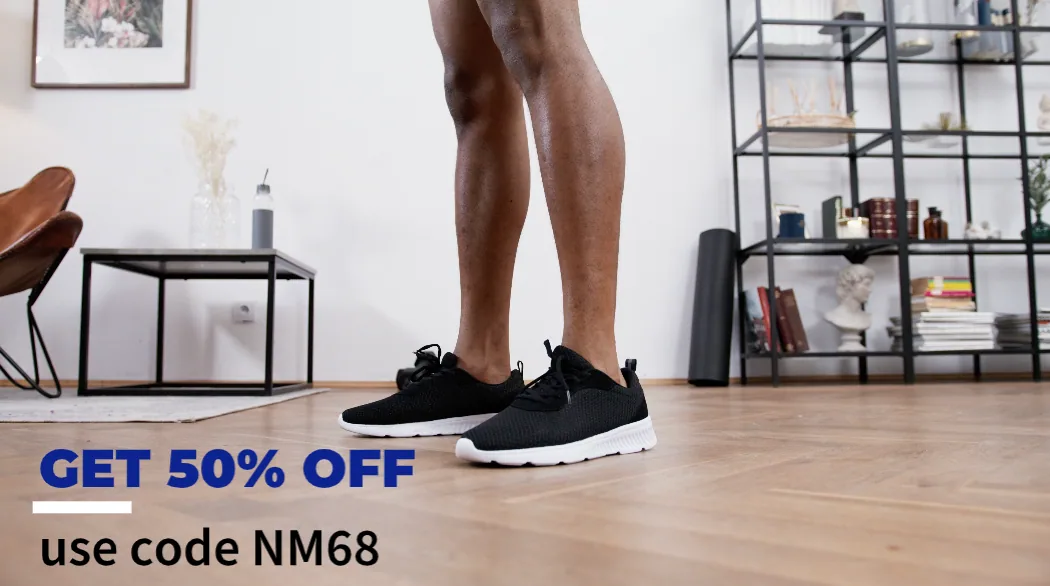
Elements you can add and edit in this Sequence:
Steps and Descriptions Lower Third
Promo Sticker
Tips & Tricks
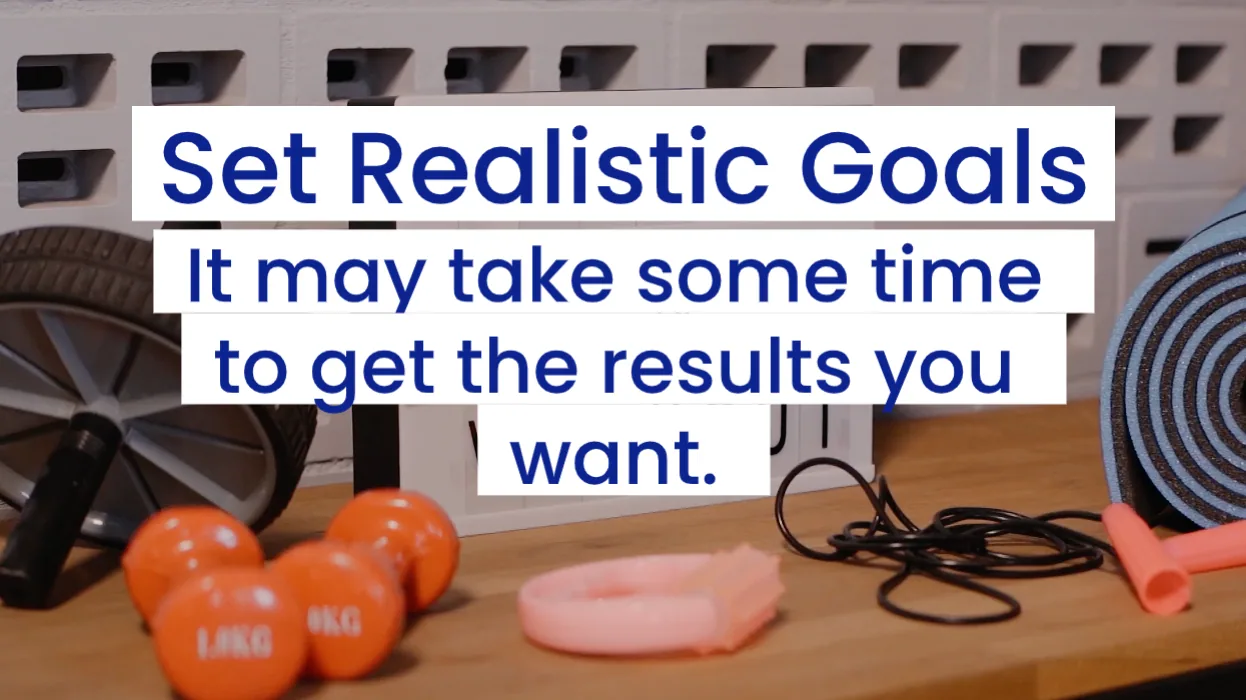
Elements you can add and edit in this Sequence:
a. Title text
b. Paragraph text
Sponsored
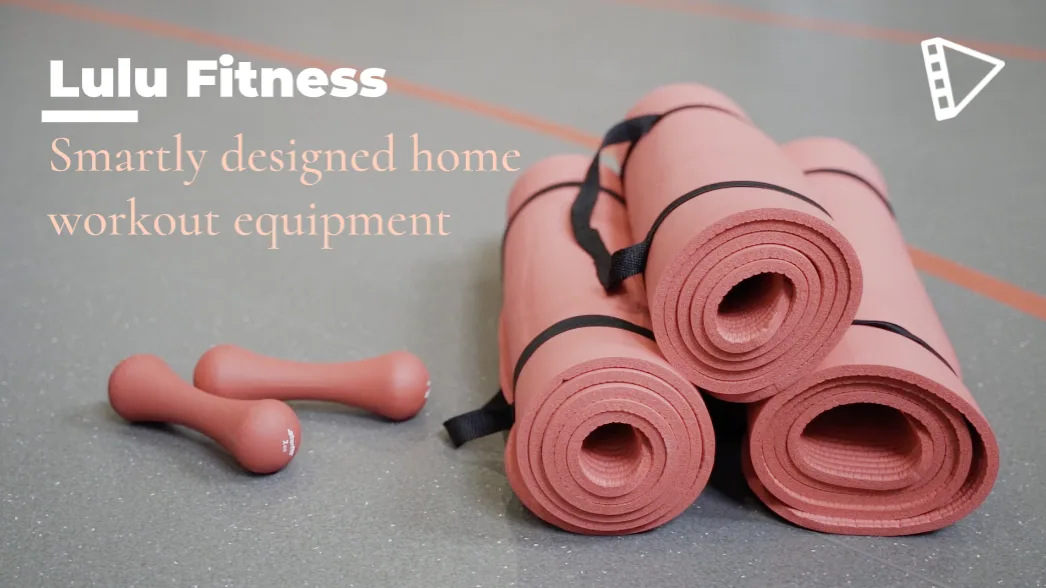
Elements you can add and edit in this Sequence:
a. Logo
b. Steps and Descriptions