
Add text, timers, progress bars and more to your fitness video
You’ll find all the video design elements to craft your perfect fitness video here on Typito. Anything from adding text or animated graphic overlays like a video timer or progress bars.
Let’s look at the different types of overlays you can add to enhance your fitness video.
Text Effects
Video Element | Different elements you can add | Description | Sequences these appear in |
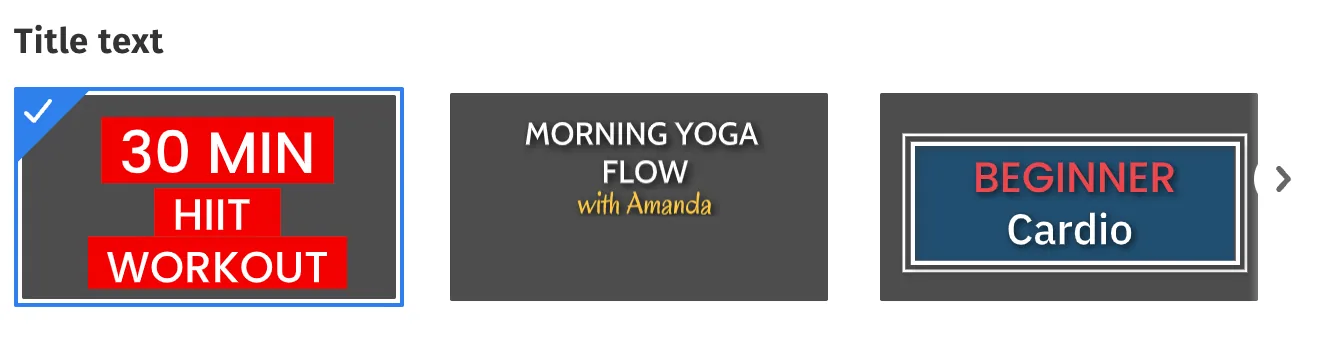
Text Effects | Intro Text
| Big bold text that appears in the center of your video. Works great for:
| Intro Sequence Wrap up Sequence Rest Sequences |
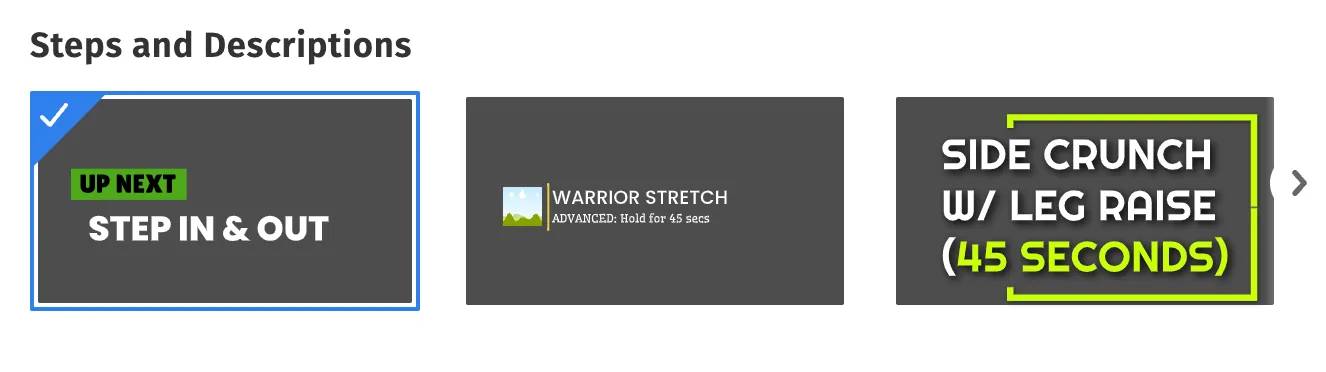
Steps and descriptions
| Lower third text templates appear in the lower portion of the video. Works great for displaying:
| Step and Description Sequence Sponsored Sequence | |
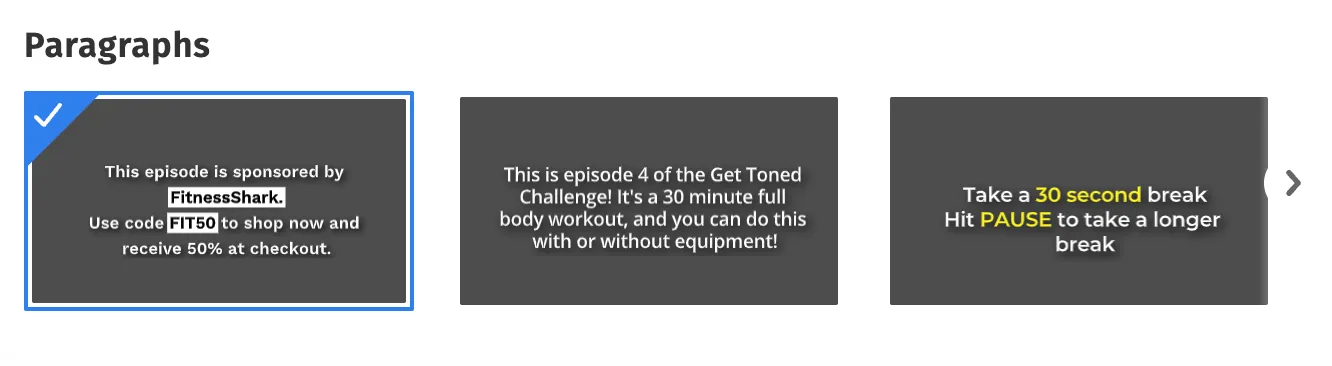
Paragraphs
| Paragraph styles for elaborate content descriptions. Works great for displaying:
| Placeholder Sequence |
Replacing Text Effects
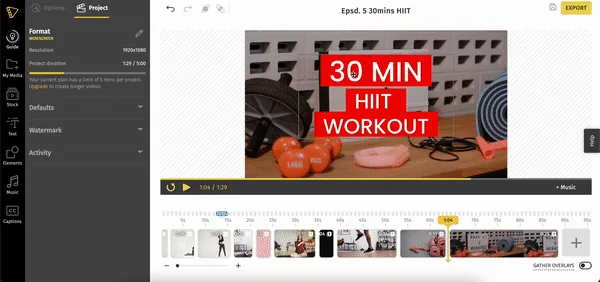
You can replace text effects to choose alternate styles that might be better suited to your video. To replace text effects:
- Click the text effect on the canvas
- In the left panel, click the More Options (indicated by 3 dots) and select Replace from the drop-down menu.
- Choose the alternate style you want to replace the text effect with.
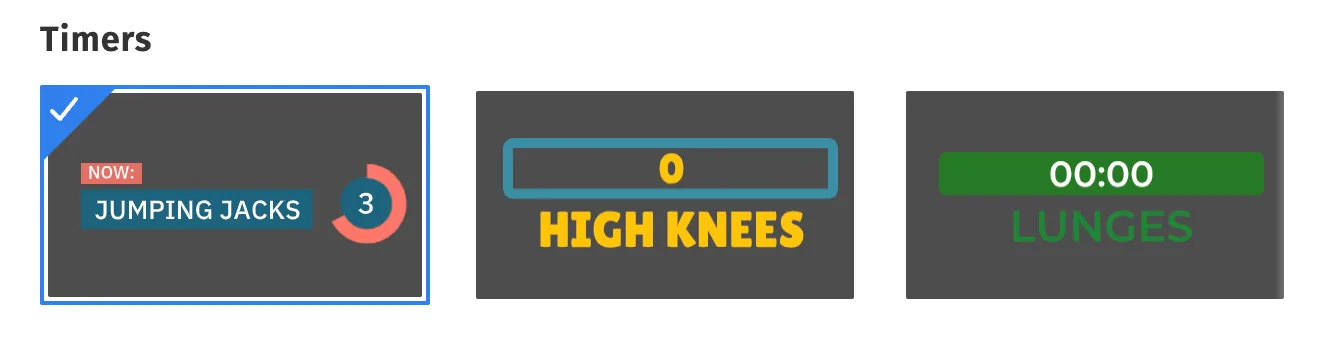
Timers
Video Element | Different elements you can add | Description | Sequences these appear in |
Timer | Step Timer | Timer templates are designed to time the durations of various exercises. | Step and Description |
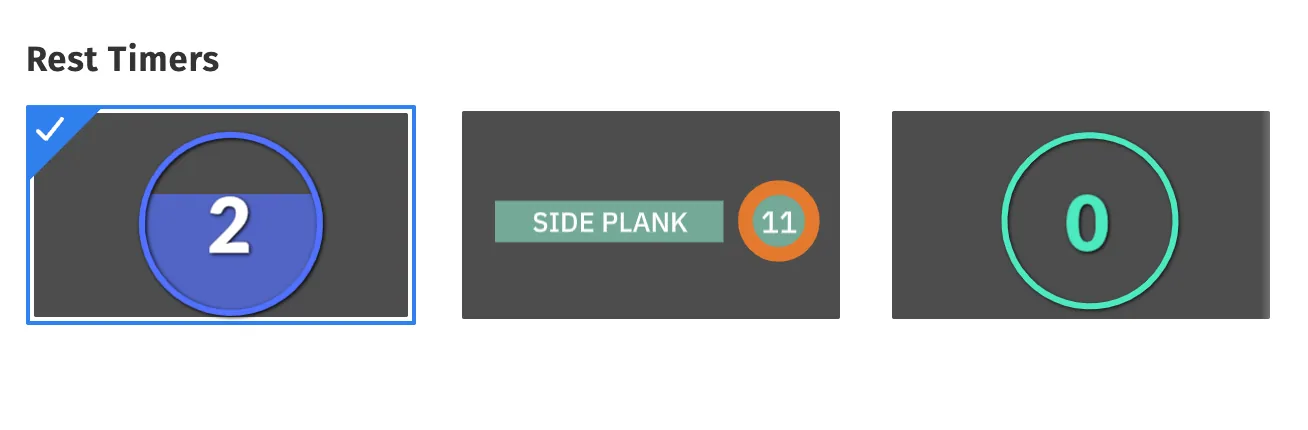
Rest Timer
| Timer templates are designed to time the duration of rest between exercise sets. | Rest Sequences |
Social Media templates
Video Element | Description | Sequences these appear in |
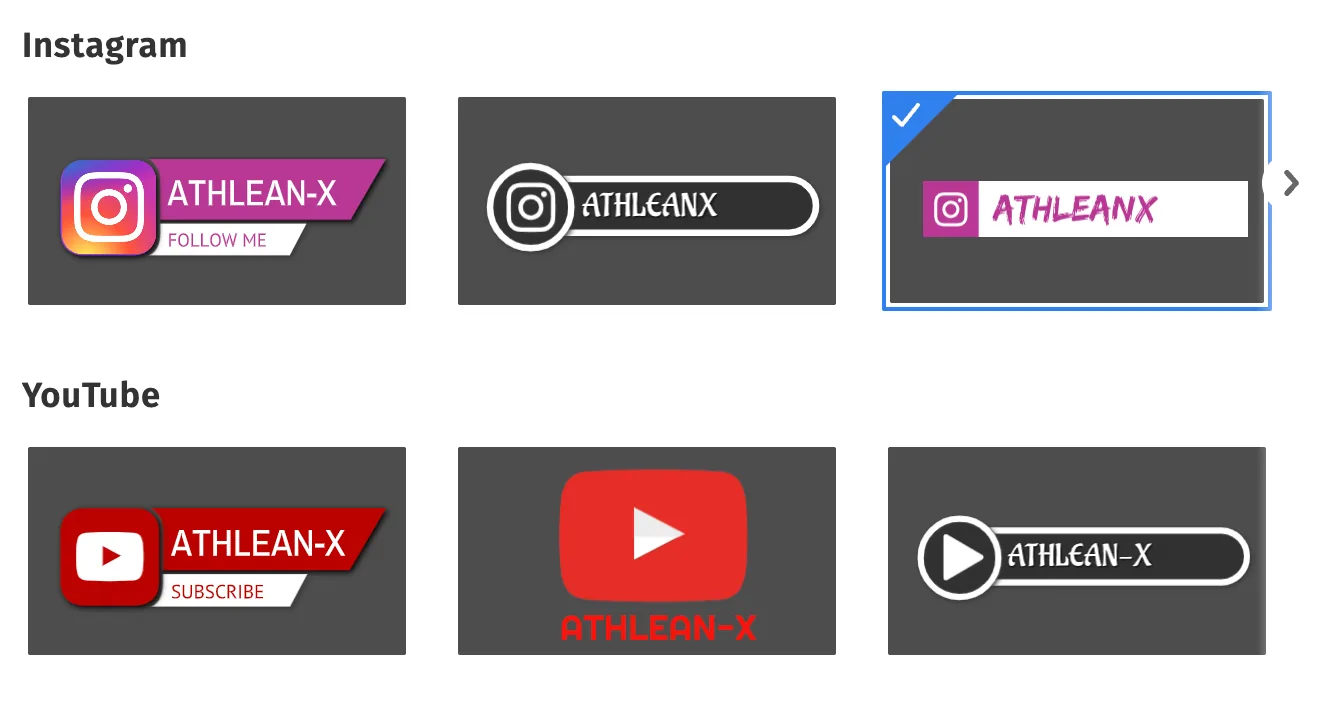
Social Media | Add templates to display your Instagram, YouTube and Facebook handles.
| Sponsored Sequences Rest Sequences |
Extras - Progress Bars & Calorie Meter
These are optional graphic elements you can add to your video as needed.
Video Element | Description | Sequences these appear in |
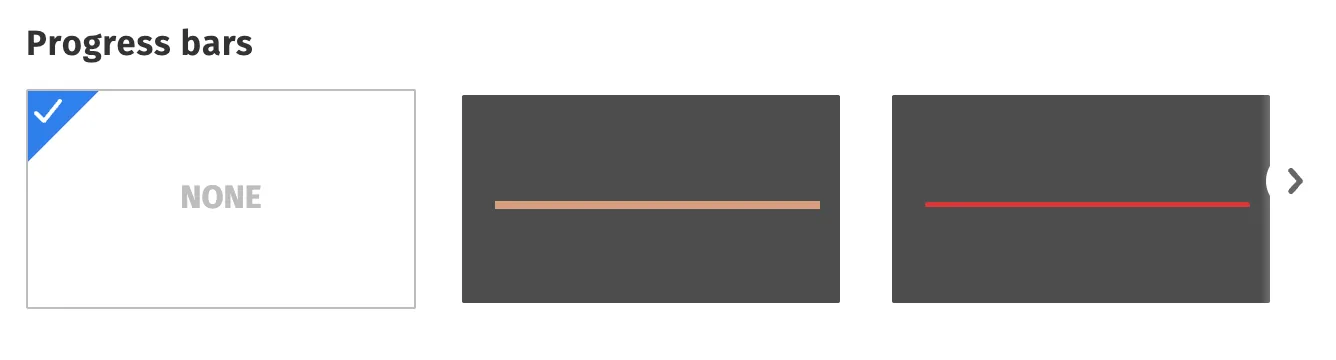
Progress Indicators | Add progress bar templates to indicate the duration of your video. Note: Progress Bars will appear for the entire duration of our fitness video.
| Step and Description Rest Sequences |
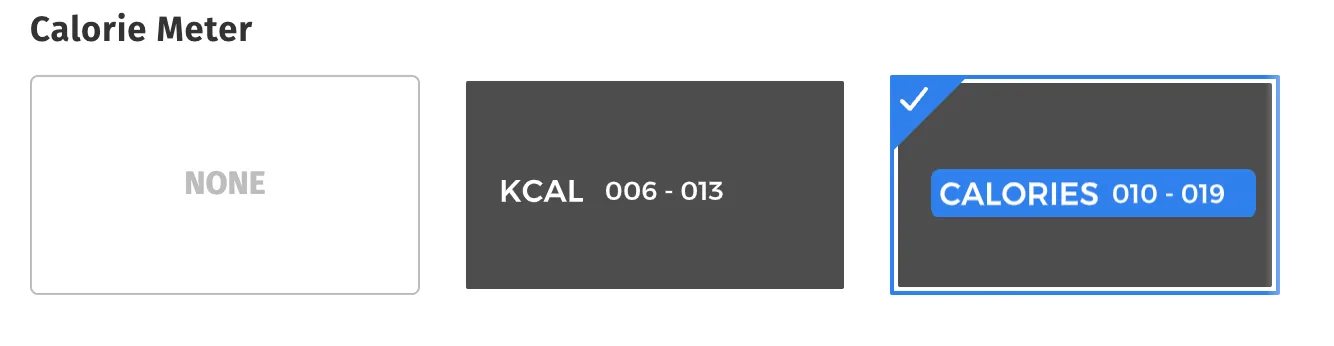
| Calorie Meter | Add a calorie meter to indicate the approximate count of calories burned during an exercise set. You can indicate 2 values - to indicate the is the lowest estimated calories burned and the highest estimated calories burned. Note: Calorie meter is a global element, and any edits made will reflect in all similar Sequences.
| Step and Description |
Note: If you want to learn how to add these elements in a step-by-step process, click on the link here.