
Getting Started and Choosing a format
How to sign in, library, create a new project, choose a format
Getting Started with Typito
Before you start creating videos like a pro, let’s give a quick tour of your workspace, video library, and editor.
- Getting Started with Typito
- Signing in to your workspace
- Your Library and folders
- Creating a new Project
- Choosing a format
Signing in to your workspace
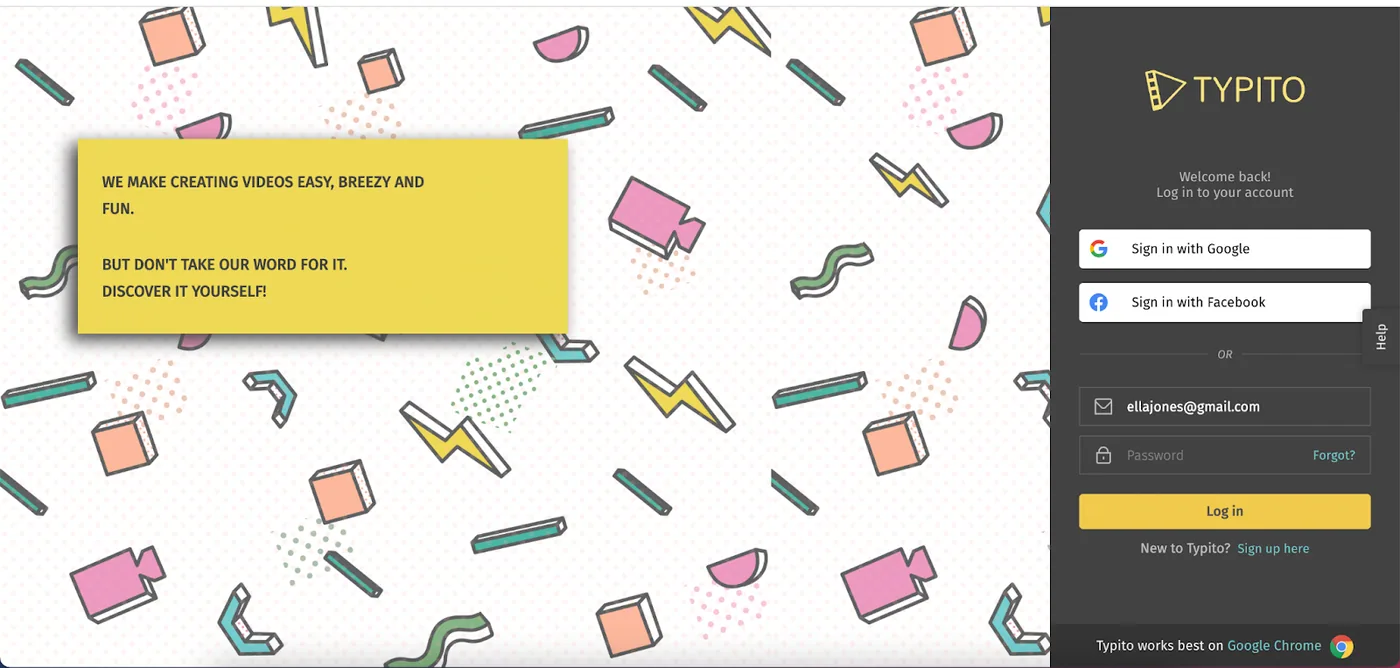
Log in to your Typito account with your email ID and password. You can also log in using your Facebook or Google account.
Your Library and folders
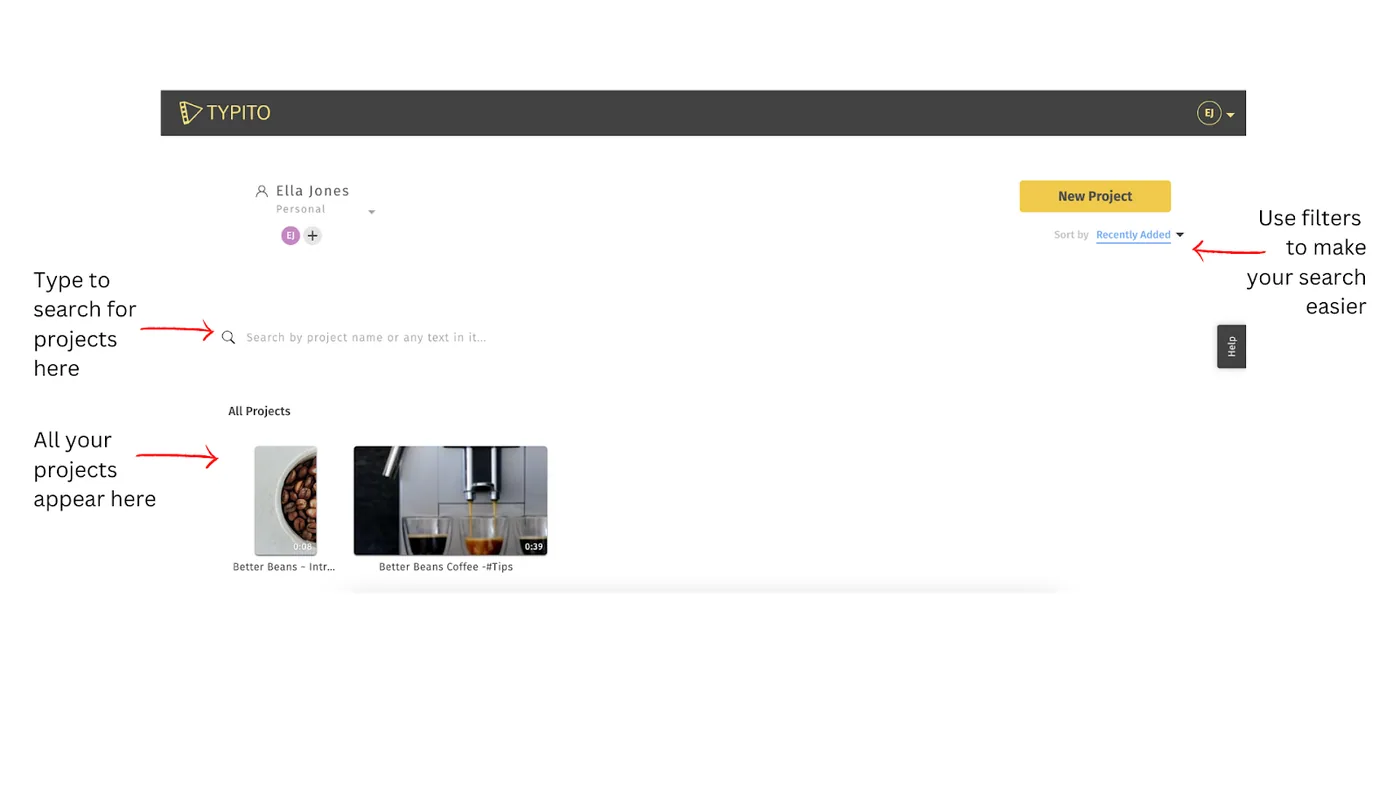
This is your video library. All of the projects you create will appear. You can search for older projects by typing in the project name or using the filters (displayed on the right) to sort through projects.
Note: Users on a Free Plan will have limited storage duration for older projects. This means that you will be able to access, edit or duplicate projects older than three months.
Creating a new Project
You can create a new project once you log in to your dashboard.
Choosing a format
Formats on Typito are simply video aspect ratios tailored to popular social media platform preferences. You’ll notice 4 primary video formats - Widescreen (16:9), Square (1:1), Story (9:16), and Vertical (4:5).
Apart from these, you can also create your custom format.
Still stuck? Email hello@typito.com and a human will pick it up.