
Make your first video - Add video, text, customize, export
Everything you need to make your awesome video with Typito
Let’s help you create your first video on Typito - we’ll start with how to upload your video, add & edit text, and finally export your video.
1Start by signing in to your workspace with your email ID and password if you already have an account or create a new account.
Once you’ve signed. Click ‘New Project’ to start your first video.
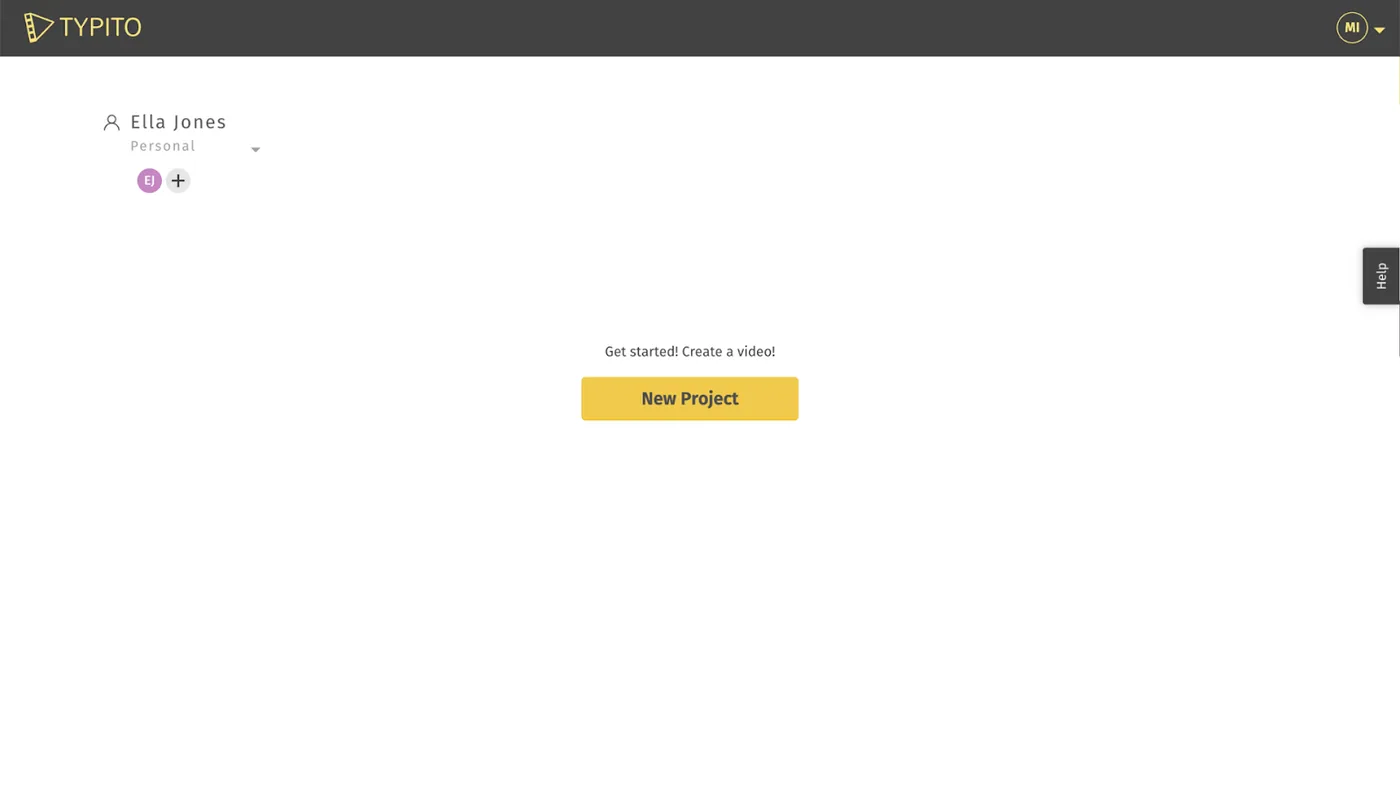
Note: If this is your first time signing up - don't forget to check your inbox for an account verification link from us - this helps verify your account on Typito.
2Choose your video format
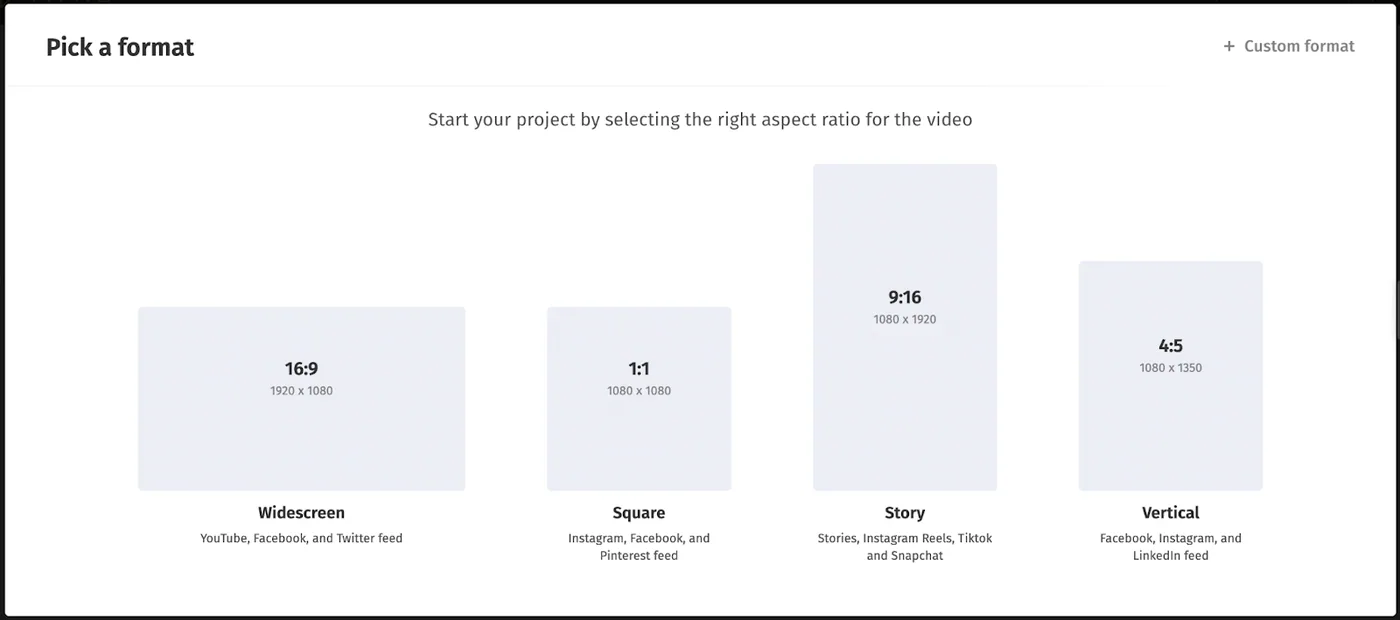
Formats on Typito are simply video aspect ratios tailored to popular social media platform preferences. You’ll notice 4 primary video formats - Widescreen (16:9), Square (1:1), Story (9:16), and Vertical (4:5).
Apart from these, you can also create your own custom format.
3Upload your video
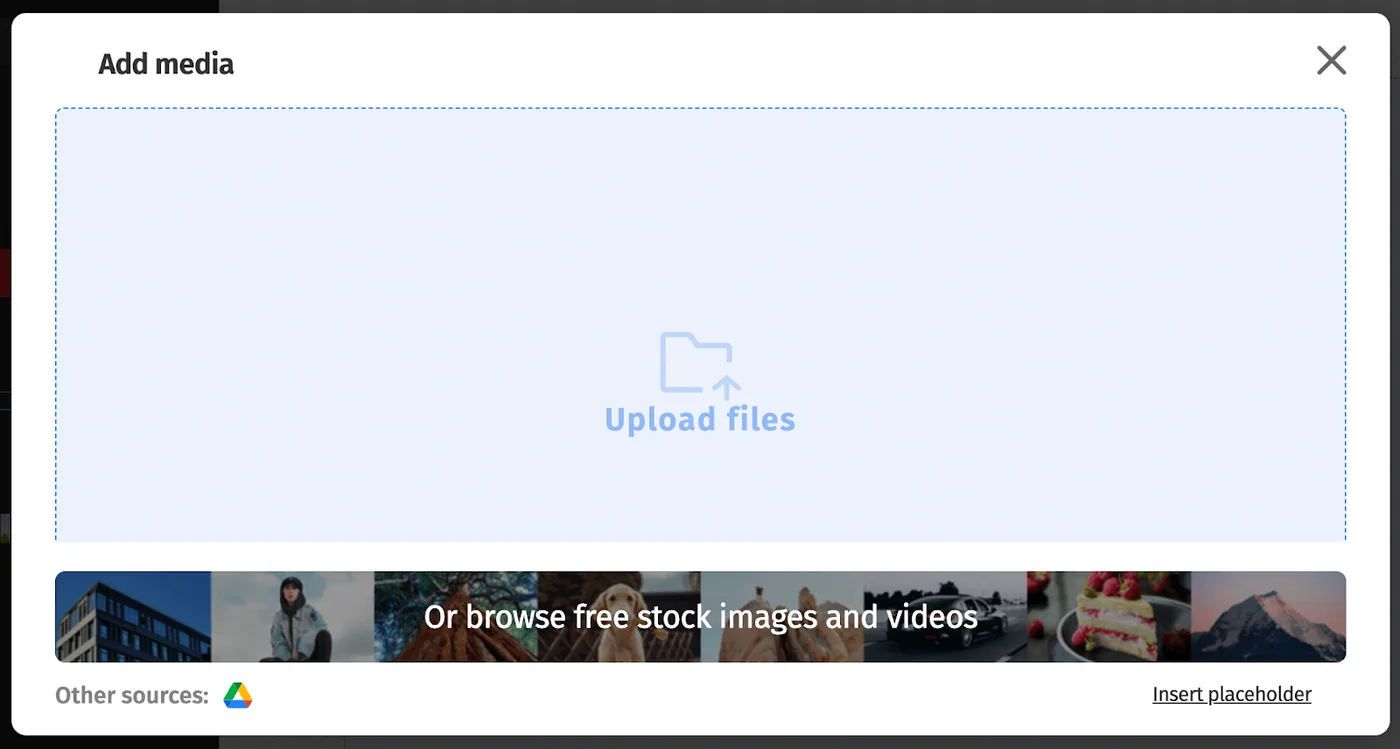
You can drag and drop a video file or click and browse files from your system.
4Give your project a name.
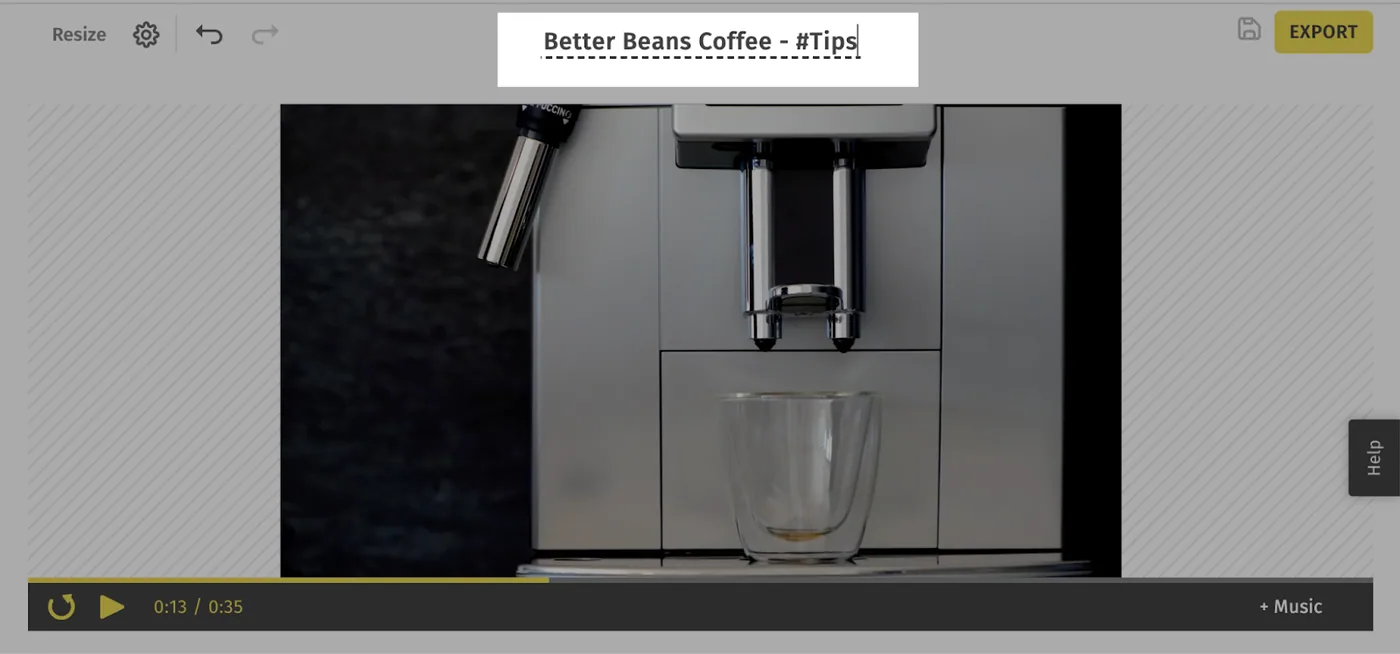
Give your project a title so the next time you create more videos, it’s easier to find the exact project you’re looking for.
5Add Text & customize the text
You can add plain or choose from a stylized text template.
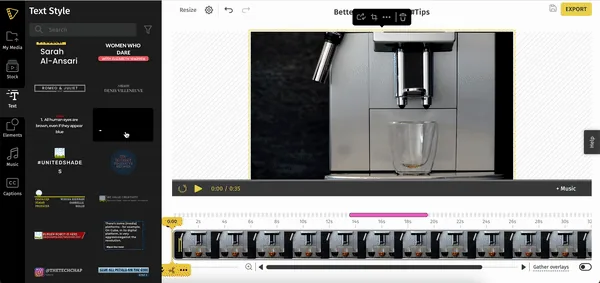
Click any of the text templates to add them to your video. You can change the text by simply clicking and typing in your message.
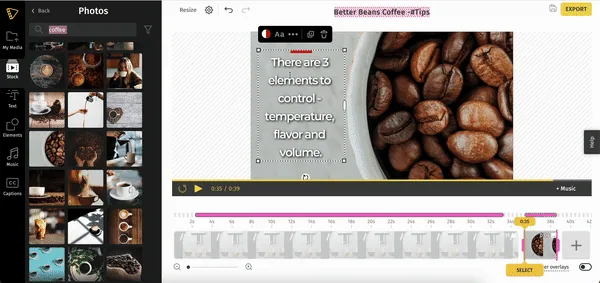
Next, you can change how this text appears by changing the color, font, and more from the action bar.
6Preview your video
After you’ve made all the necessary edits, give your video one last preview before you export it.
7Export & Download your video
When you're ready to share your project with your audience, the last step is to export it!
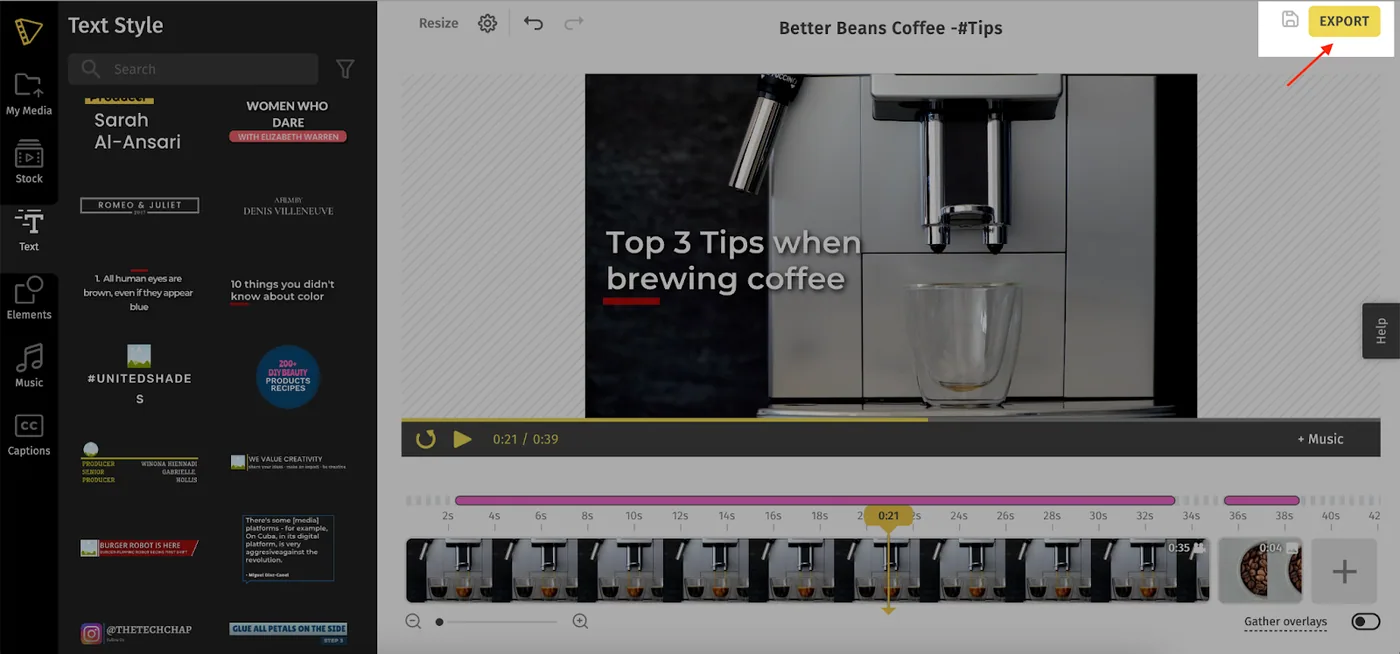
This should take a few minutes, depending on the length of your video. Once your video is exported, you can download or share your video directly to FB or YouTube.
While this covers the basics of video editing on Typito, there’s a whole lot more you can do. Here are a few more guides to help you do wonders with your video on Typito:
Advanced Editing Tutorials