
Canceling Your Subscription
How do I cancel my subscription?
We'd hate to see you go, but we understand that your video creation requirements may change from time to time, and this may call for a halt on your auto-renewal paid plan - and that's ok!
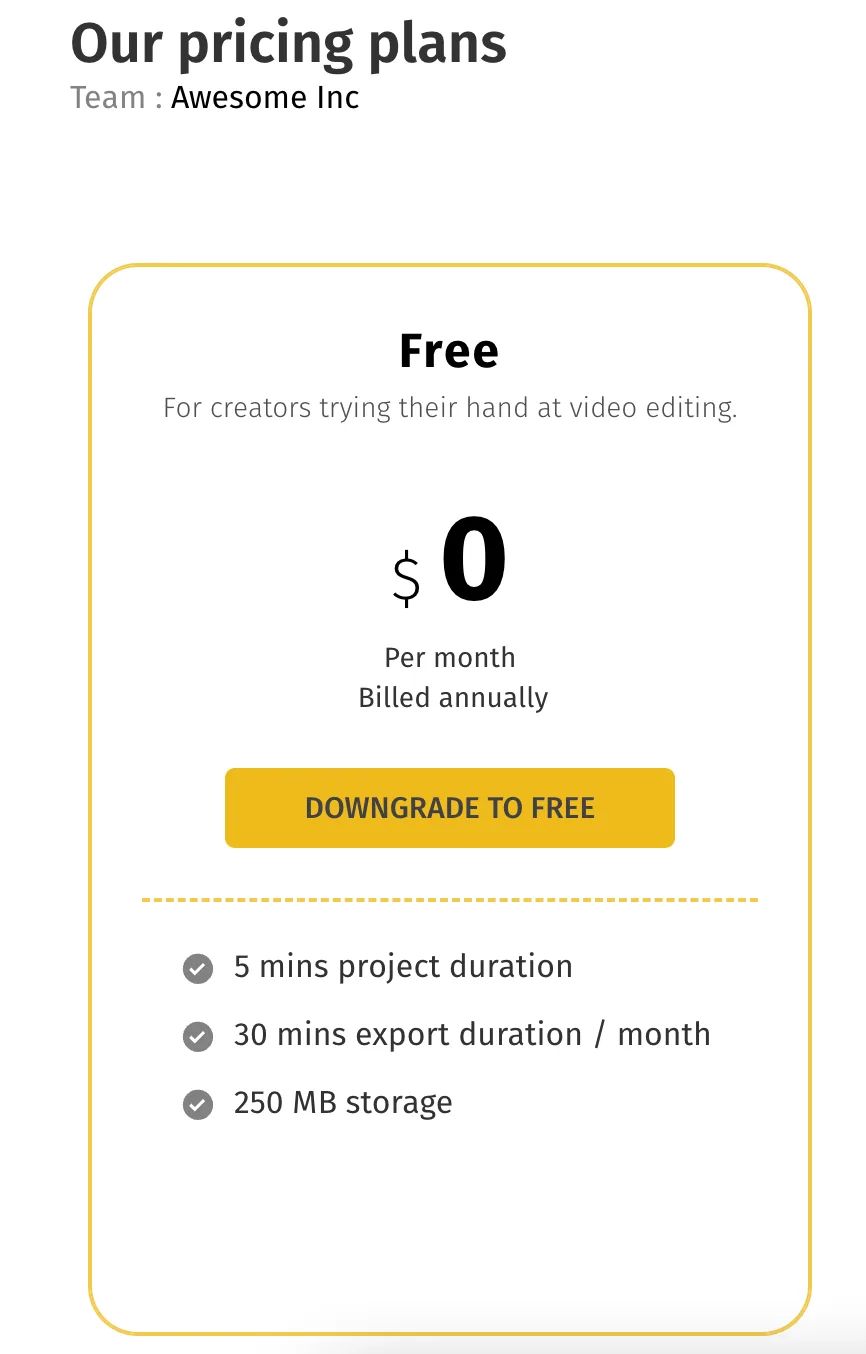
Canceling your Subscription will downgrade you to a free plan, and you can always choose to upgrade whenever you’re ready to create videos at scale.
Here’s how to cancel your subscription:
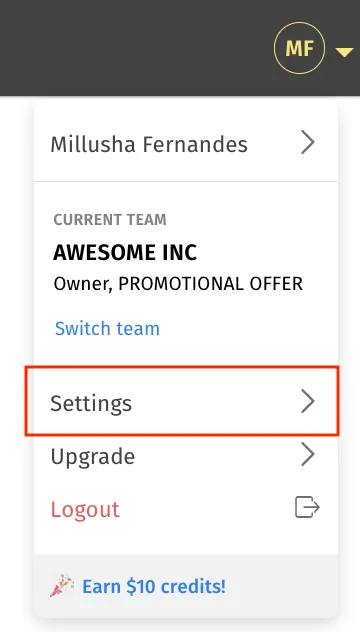
1Log in to your Typito account. Navigate to "Settings" from the top left corner of your dashboard.
2Click on “Plan & Members”
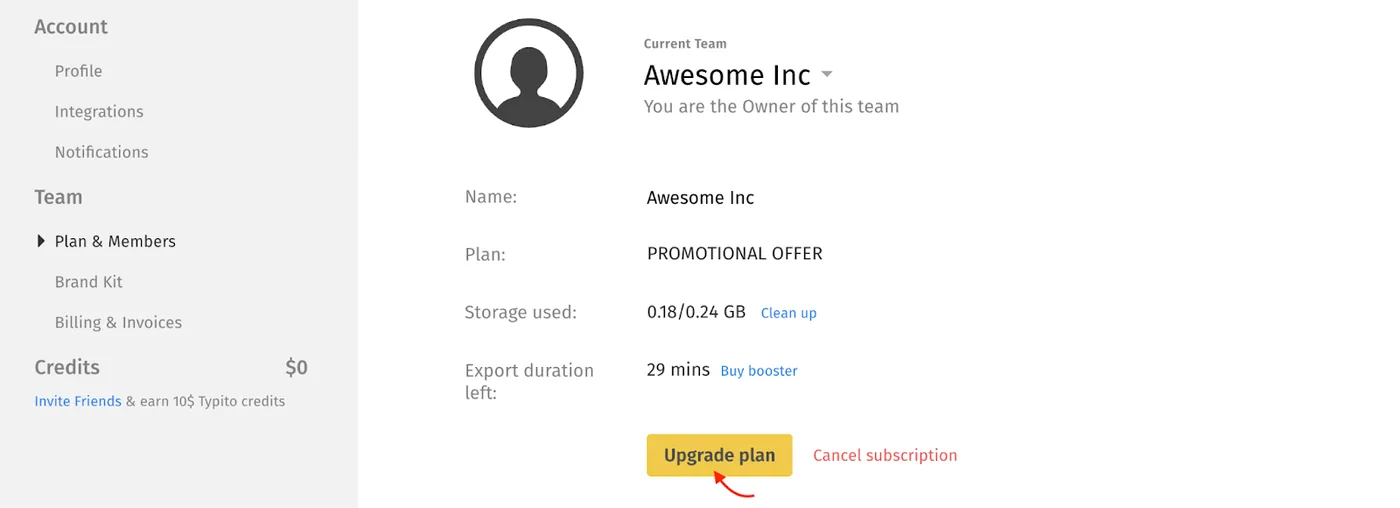
3Click on “Cancel Subscription” and choose “Downgrade to Free”
FAQs
What happens once I cancel my subscription?
This would initiate a request for cancellation from your end. You will then be downgraded to a free plan, where you can continue accessing all your previously created projects and creating videos with the Typito watermark.
What will happen to rolled-over videos from my plan after I cancel my subscription?
Rollover videos in your account become void once you revert to the Free plan.