
Translate Videos Online Automatically with Typito
Make your videos accessible to a global audience with auto-generated translated captions. Our translation tool is designed to make translations easy. Translate your video to English, Spanish, Portuguese, French, Arabic, Russian, German, Japanese, Hindi, Vietnamese, and over 100 languages.
Here's how you translate your video with Typito
1Upload your video
Upload the video you want to translate directly from your browser.
2Add translated captions Use the auto-captions feature to automatically add translations to your video.
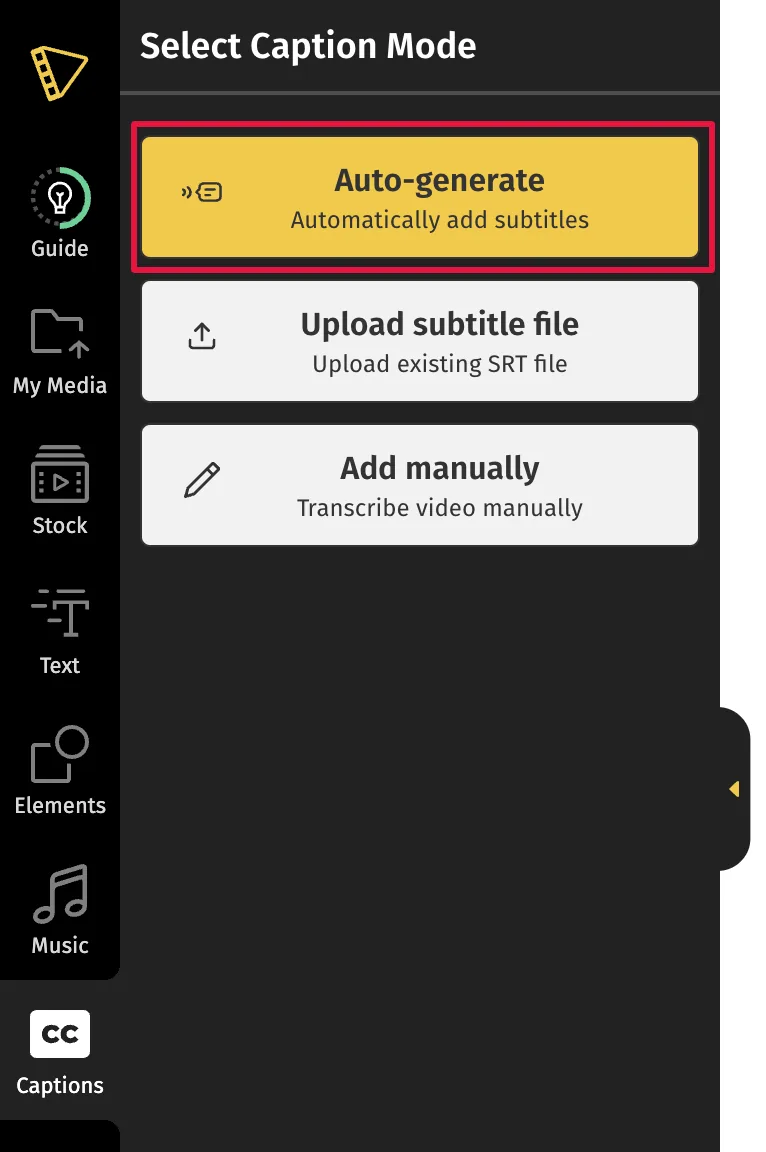
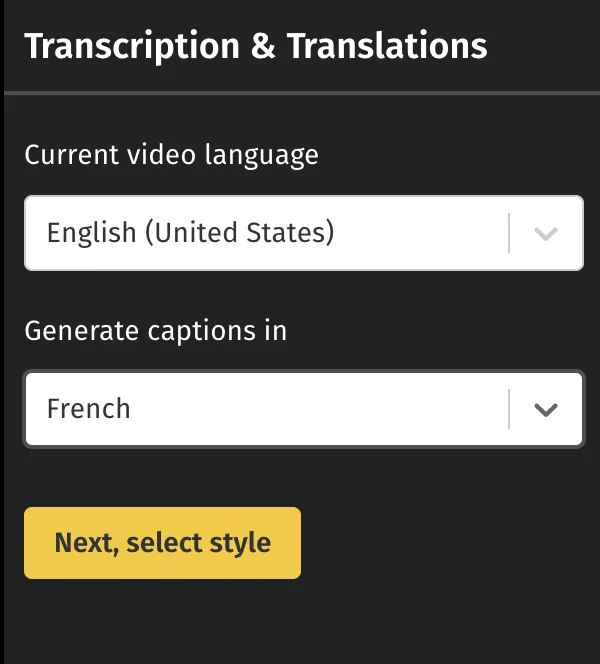
Choose the original language of the video, and then choose the language you want to translate the video into. Click the drop-down and type in your language of choice. Translate your video to English, Spanish, Portuguese, French, Arabic, Russian, German, Japanese, Hindi, Vietnamese, and over 100 languages.
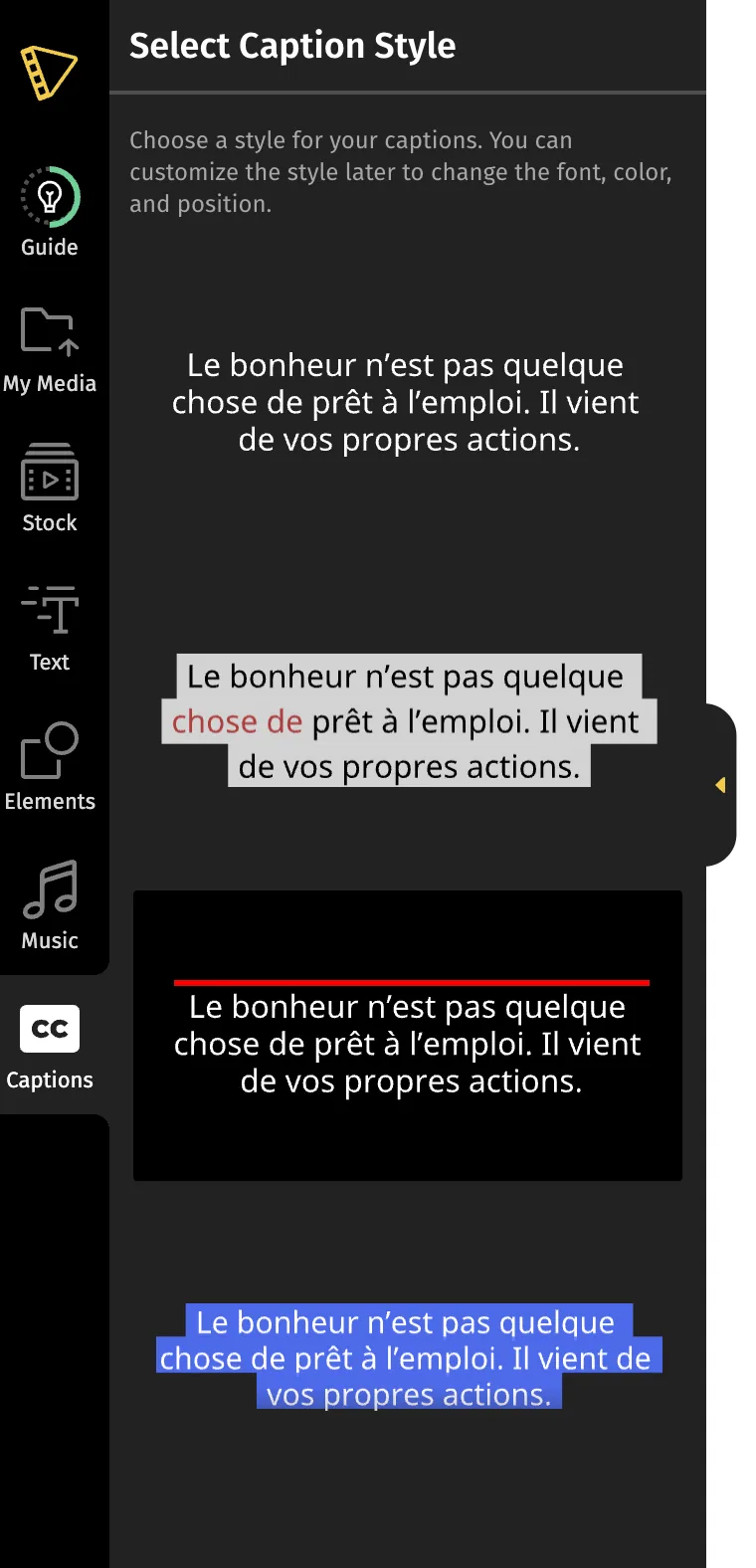
Then choose ‘Next, select style' and select the caption style of your choice.
Click 'Start' to begin translating your video.
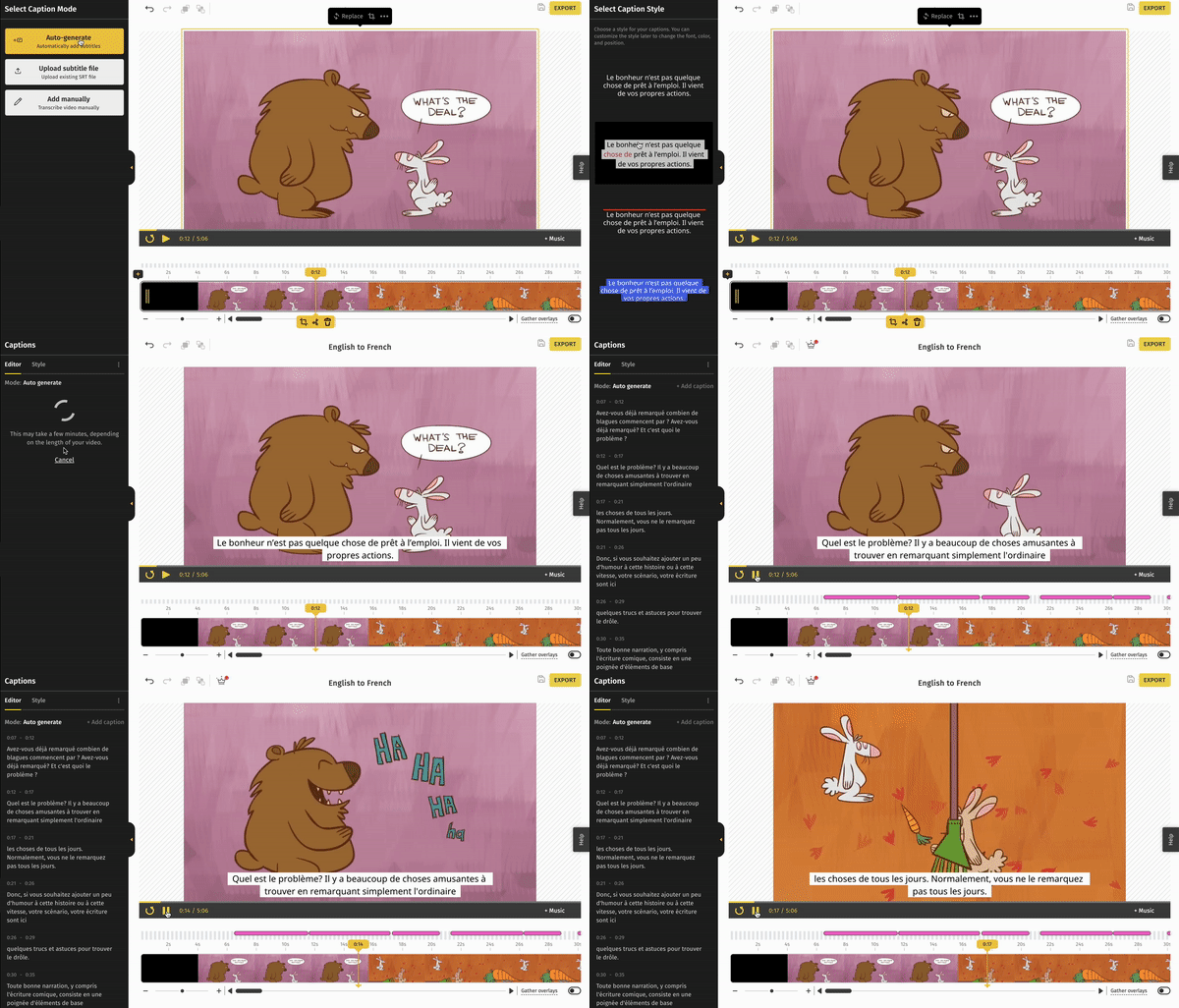
3Download the video Give your video a quick preview and make any changes required. You can also customize your captions by changing the font, color, and more.
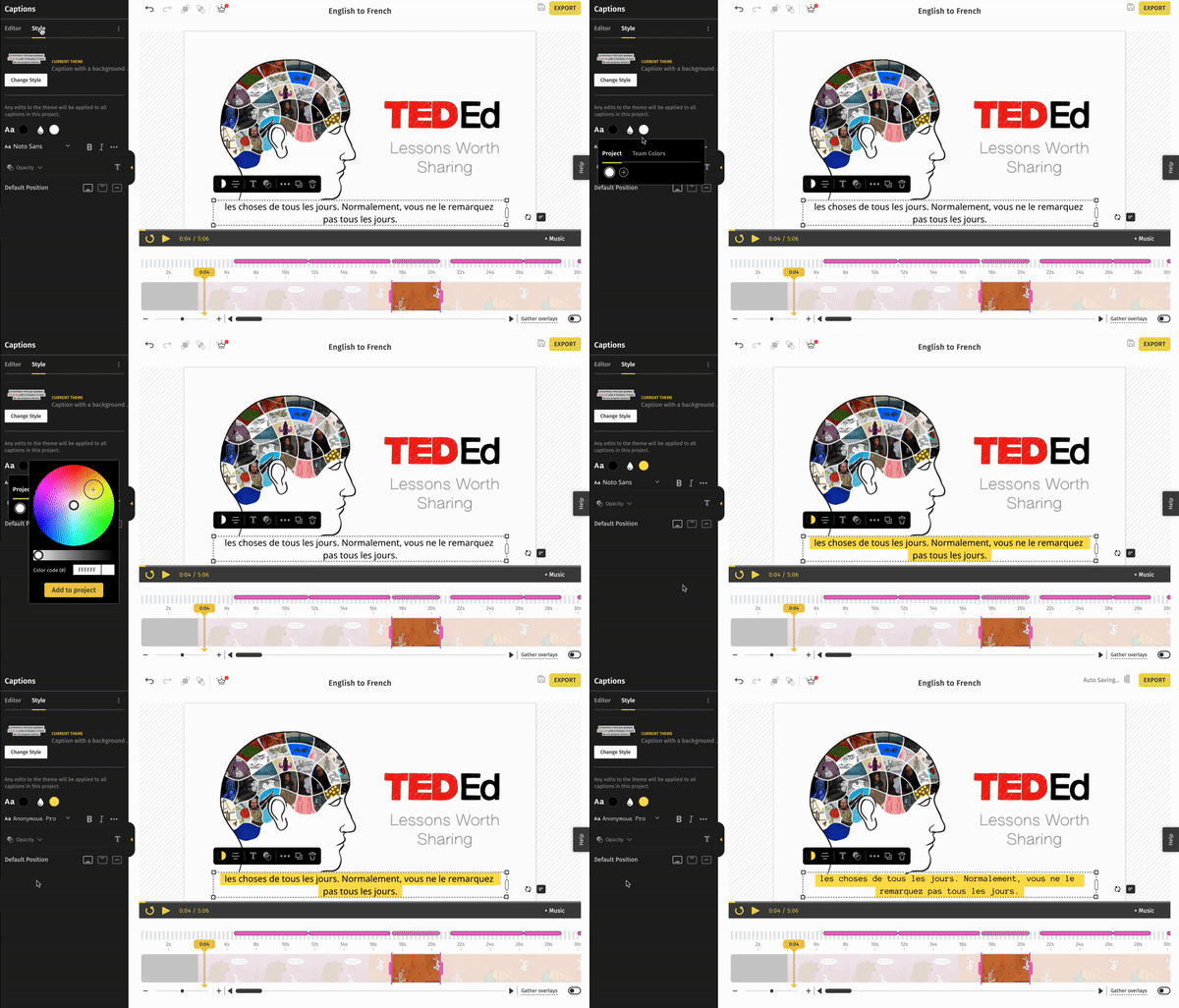
When you’re done, hit the export button in the top right corner. Your video is ready to be shared.
Plan availability for this feature has changed since this article was written — see typito.com/pricing for what's included today. See current plans