
Animate Images on Timeline
How to animate images on the timeline
Animating an image on the timeline can be done in simple steps.
1Select an image on the timeline. Click the three. dots to open up the 'More Options menu.

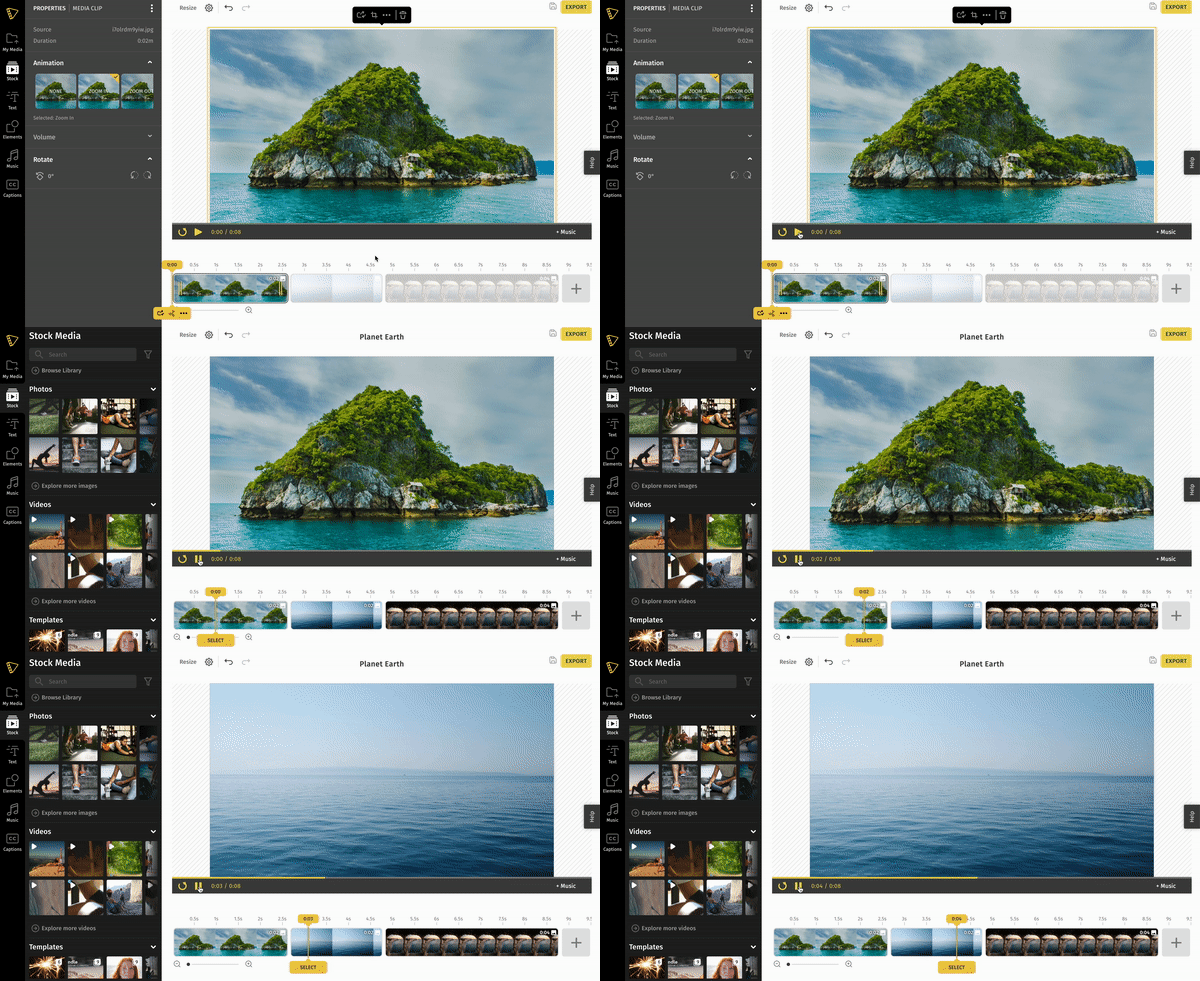
2Choose an a nimation to apply to your clip from the Animation tab. Repeat the same process for all the images you want to animate.
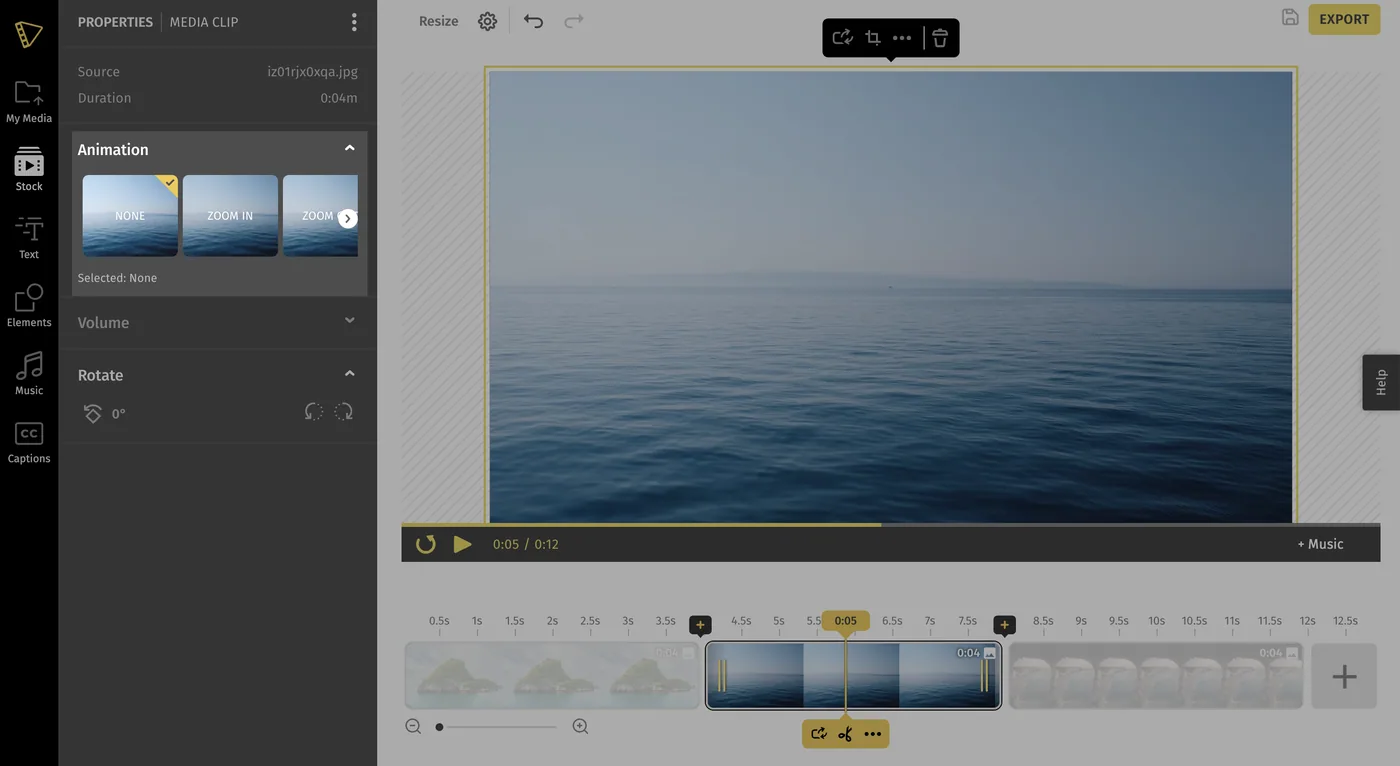
4Press play to preview your animation.
Still stuck? Email hello@typito.com and a human will pick it up.