
Change your Email Address
How to change your email address on Typito
You can update your email address from your account settings.
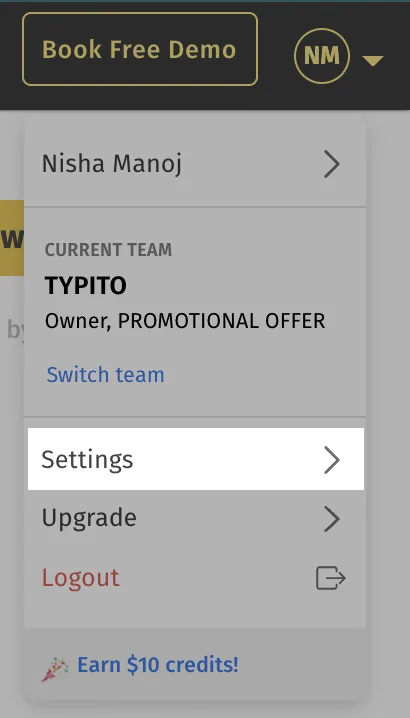
1You click on the user icon on the top right and click on the "Settings" button to get to the Account section:
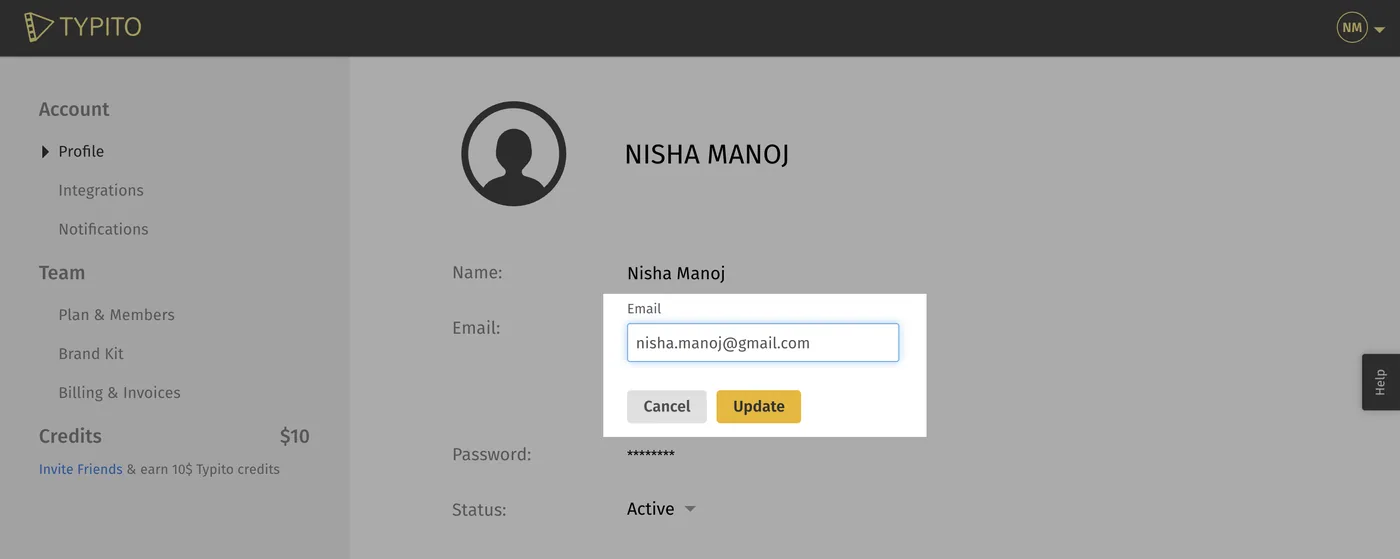
2You will see your email address listed under the Profile tab. Click on the email address content to edit the address to a new one. Once done, click on the “Update” button to request for change.
3You will now get a confirmation email on the new updated email address. On confirming the email address via email, you would have updated the email address for your Typito account.
Still stuck? Email hello@typito.com and a human will pick it up.