
Resize Video
How To Resize a Video Project
With Typito, you can resize your video project in three simple and easy steps. Let’s find out how:
1Select a clip on the timeline
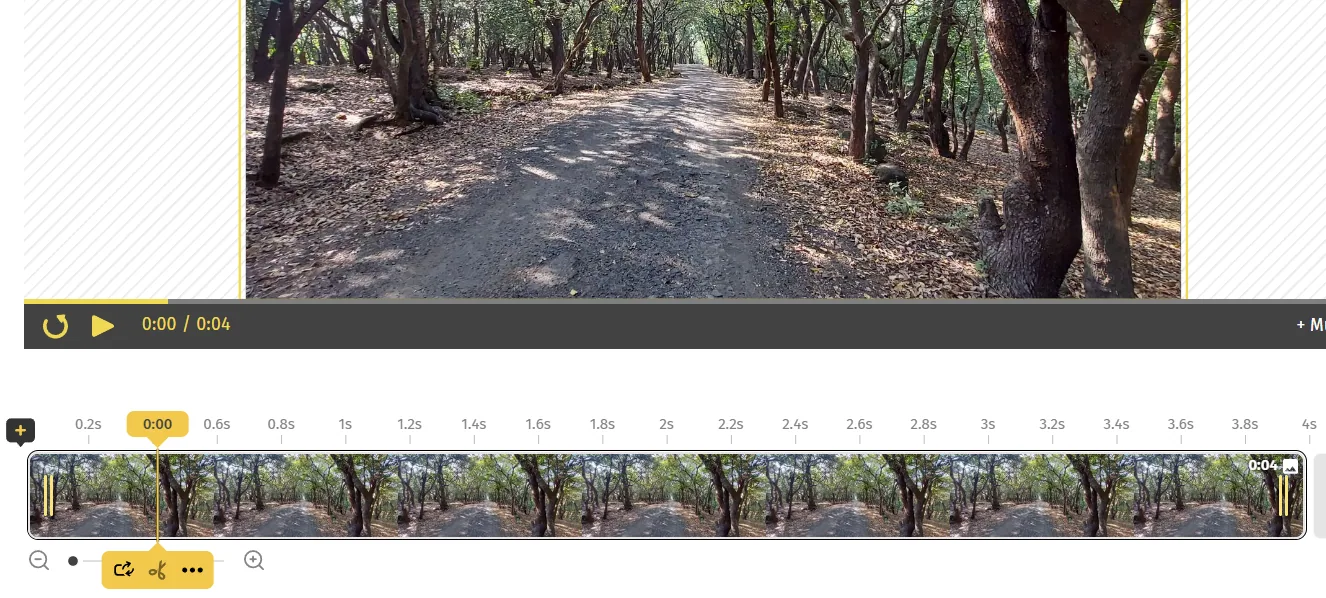
2Click Resize icon on the top left of your editing canvas
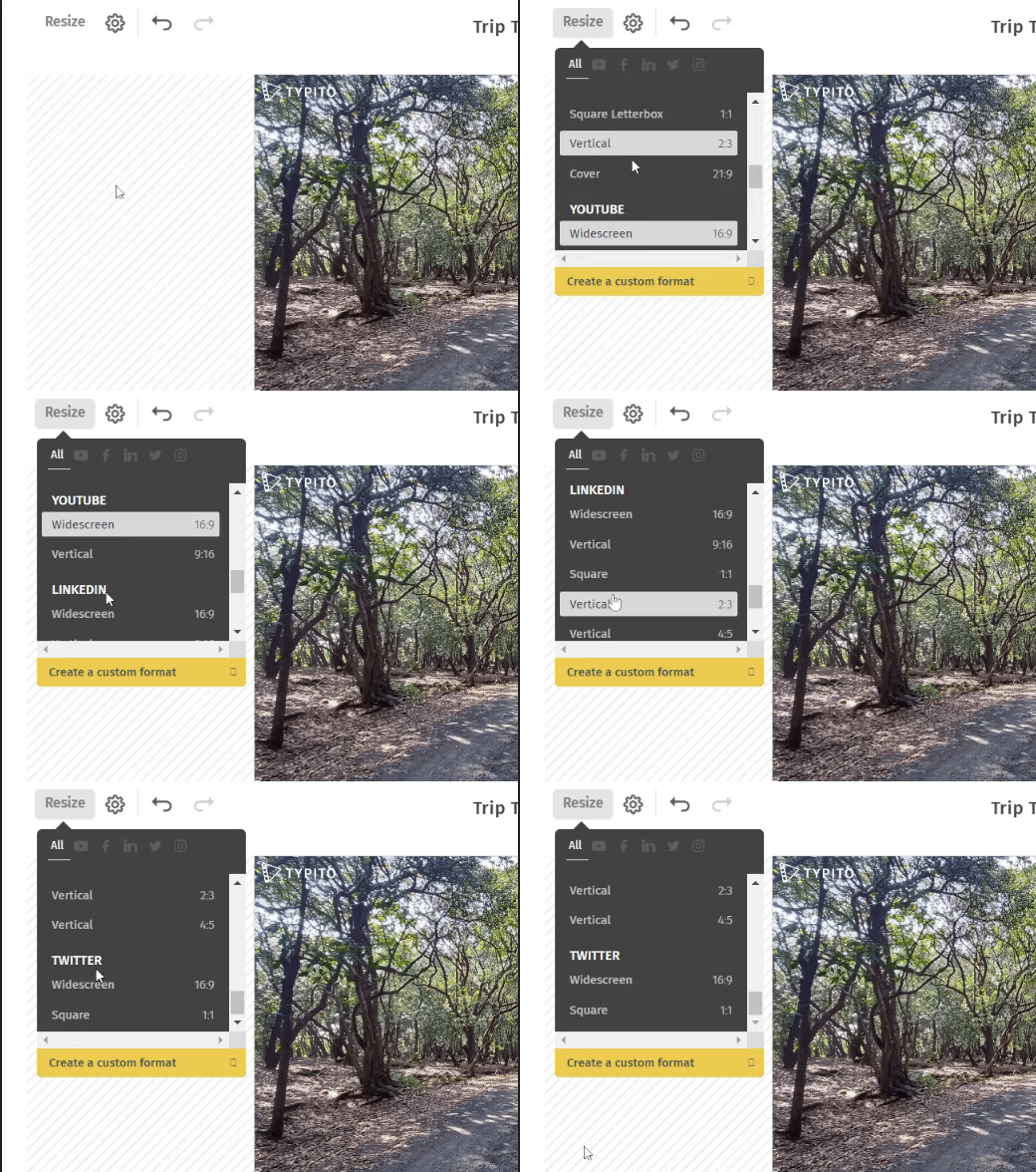
or
Click on Settings
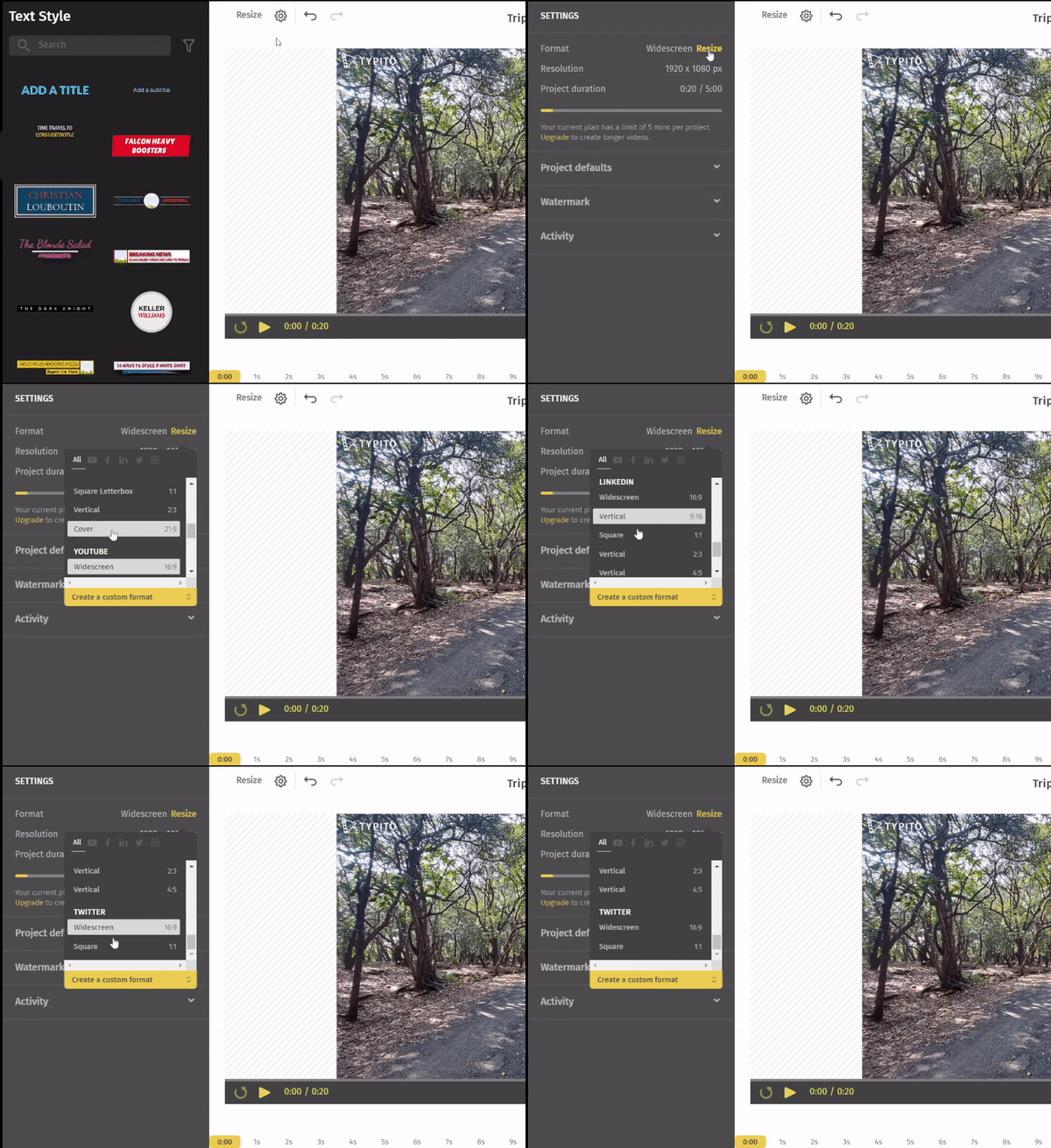
Note: Both the ways suggested in this step give you the same options based on your platform for uploading the video, be it Instagram, Facebook, Youtube, LinkedIn, or Twitter.
Pro Tip: You can also create your own format by clicking on Create a custom format that can be found to the end of the Resize drop down box.
3Give your video a quick preview and hit the export button in the top right corner. Your resized video is ready to be shared!
Still stuck? Email hello@typito.com and a human will pick it up.