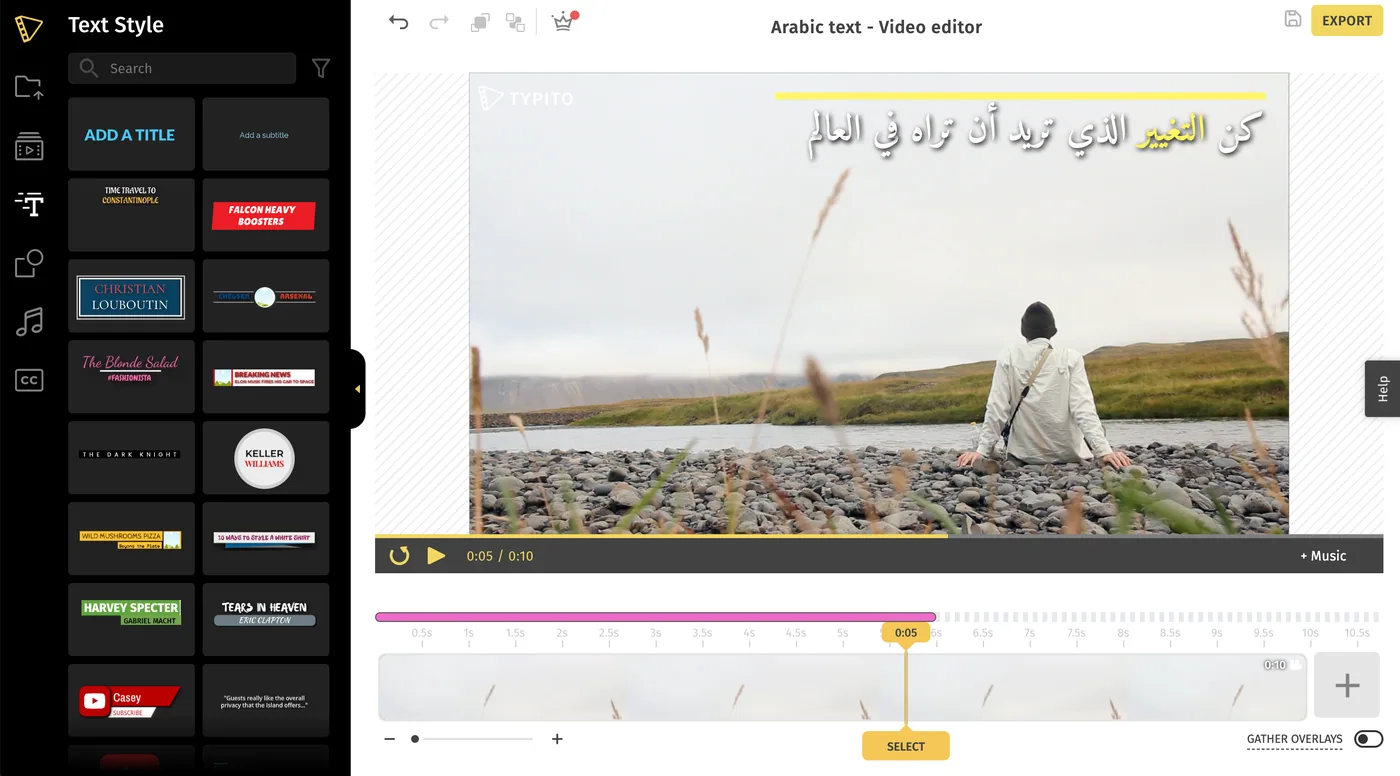
How to Create a Video with Arabic Text for Free
Steps to create a video with Arabic texts for free
Note - This is not applicable if you have already created and exported any project in the free plan.
Visit - https://typito.com/arabic-text-videos
1Click on ‘CREATE NOW’ after visiting the link above.
2Choose a Font - You can select a font from the options displayed, or choose to upload a font that supports Arabic.
You can preview your text on four different backgrounds before editing your own video. This option is present below the preview screen.
3Log in/ Sign up - Click on ‘CUSTOMIZE YOUR VIDEO’ and then sign up or log in using your credentials.
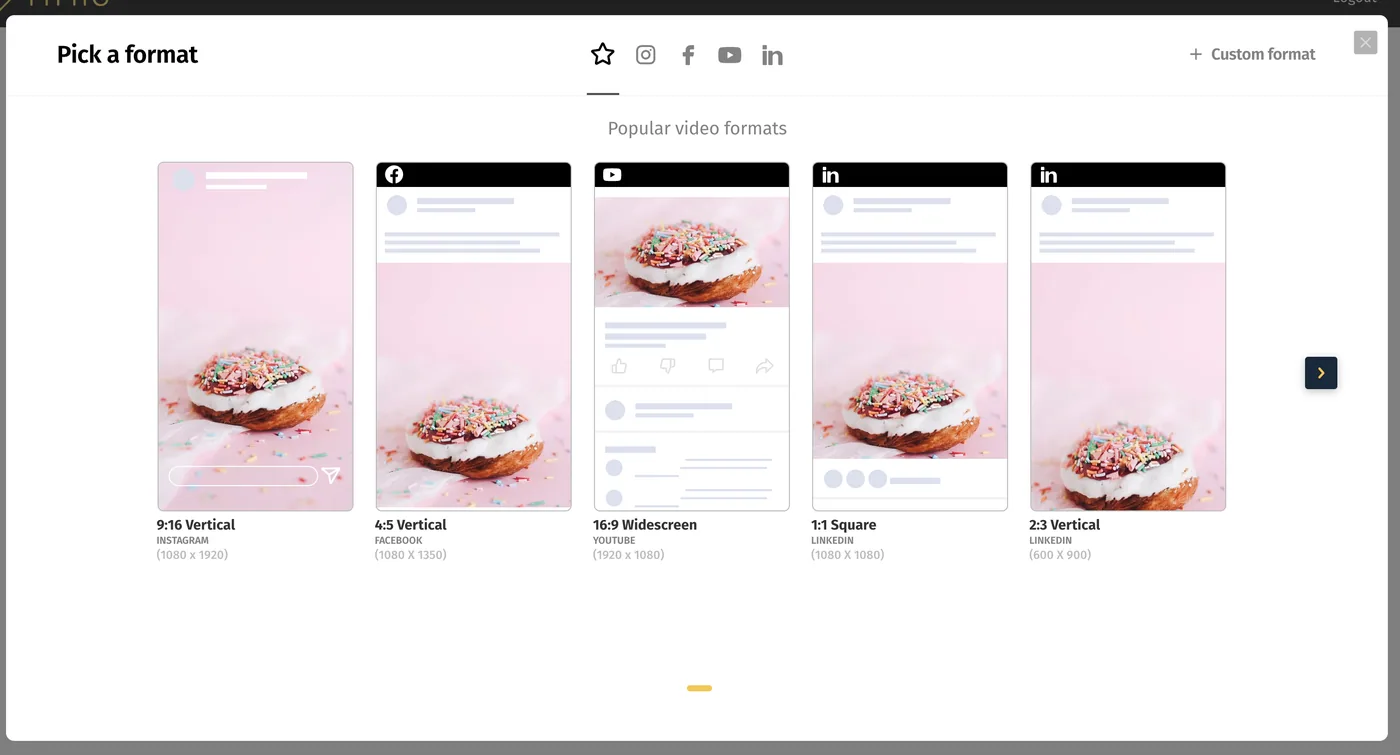
4Choose a Format - Select a video format based on your requirements.
5Click on ‘Continue’ when you see a popup informing you that a new project has been set up.
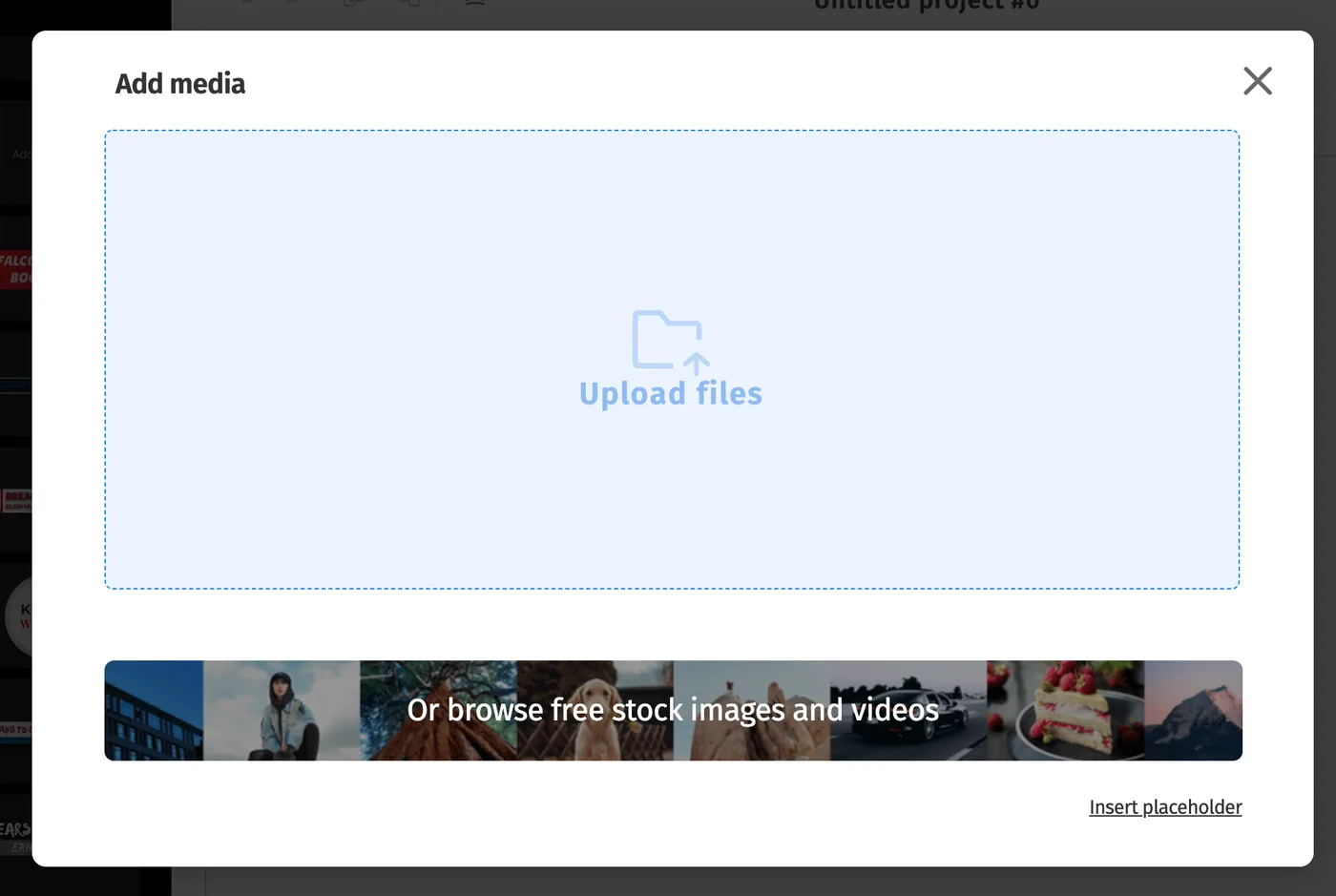
6Upload your media file - Click on ‘Upload files’ to browse your system files and Select the image/video clips you'd like to use for your video. You can drag and drop your media files within the highlighted area as well.
You now have a video project with Arabic font. You can go ahead, edit the video, customize the style and placement of text, and export the video for free.