TriviaMaker has built a loyal following with its game show-style formats and interactive quiz modes. It's especially popular among teachers, event organizers, and team leads running facilitator-led trivia sessions that feel polished and professional.
But it's primarily designed for live, synchronous participation.
If someone misses the session, they miss the experience. And for content creators publishing on YouTube, Instagram, or LinkedIn, turning that live session into reusable video content isn't straightforward.
A social media manager building weekly engagement posts has very different needs than a teacher running a classroom review. A people manager trying to boost team morale asynchronously in Slack needs different functionality than an event host managing a one-time webinar.
The challenge isn't that TriviaMaker lacks features; it's that live trivia software and video-first quiz tools for creators solve fundamentally different problems.
Below, we break down the best alternatives based on how and where you engage your audience.
At A Glance
- How to Choose the Right TriviaMaker Alternative
- Quick Comparison Table
- Best TriviaMaker Alternatives Based on Your Workflows
- Tool-by-Tool Breakdown
- TriviaMaker vs Trivia by Typito: Which Should You Choose
- Conclusion
How to Choose the Right TriviaMaker Alternative
Before jumping into tools, clarify what matters most for your workflow:
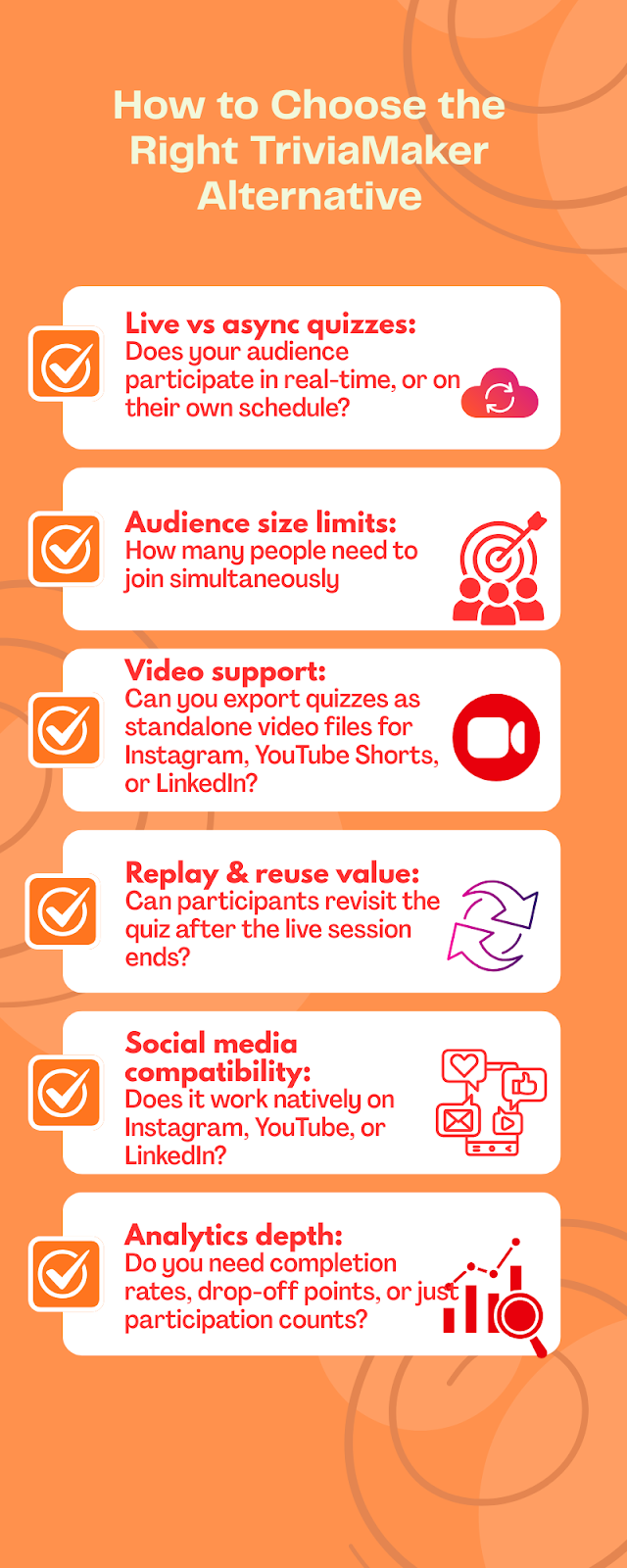
- Live vs async quizzes: Does your audience participate in real-time, or on their own schedule? Live tools require everyone to be online simultaneously. Async tools let people engage whenever they want, better for distributed teams or social audiences across time zones.
- Audience size limits: How many people need to join simultaneously? Some platforms cap at 10-50 participants on free plans, while enterprise tools handle thousands. If you're running small team sessions, you don't need (or want to pay for) unlimited capacity.
- Video support: Can you export quizzes as standalone video files for Instagram, YouTube Shorts, or LinkedIn? Many live tools don't offer this; they're designed for screen sharing, not publishing. If your workflow involves posting content to feeds, this is non-negotiable.
- Replay & reuse value: Can participants revisit the quiz after the live session ends? Some tools archive results but don't allow new participants to join later. Others let you share a persistent link that works indefinitely, crucial for evergreen content or self-paced learning.
- Social media compatibility: Does it work natively on Instagram, YouTube, or LinkedIn? Most quiz tools require participants to visit an external website or enter a game code. That's fine for classrooms, but it creates friction on social platforms where people expect to engage without leaving the app.
- Analytics depth: Do you need completion rates, drop-off points, or just participation counts? If you're optimizing content performance, you need to see where people lose interest. If you're just measuring attendance, basic participation tracking is enough
Quick Comparison Table
Best TriviaMaker Alternatives Based on Your Workflows
#1. If You Run Live, Facilitator-Led Sessions
Best options: Kahoot, Mentimeter, Slido
Why they work:
- Real-time interaction with instant feedback
- PIN-based participation keeps sessions controlled
- Live leaderboards create competitive energy
- Designed for screen sharing in classrooms or meetings
But consider:
- Engagement ends when the session ends
- Limited content reuse for future participants
- Not optimized for social publishing or video export
Choose these if: You're running synchronous team meetings, classroom reviews, or webinar Q&A where everyone joins at the same time.
#2. If You Need Self-Paced Learning & Homework Mode
Best option: Quizizz(now known as WayGround)
Why it works:
- "Homework mode" lets students complete quizzes asynchronously
- Still maintains leaderboards for motivation
- Instant feedback without requiring a facilitator
- Works well for distributed or hybrid classrooms
But consider:
- No native video export for social platforms
- Free accounts are limited to 20 activities
- Still requires participants to visit an external quiz platform
Choose this if: You're an educator building self-paced courses or need students to practice outside class time.
#3. If You Publish Content on Social Media or Feeds
Best option: Trivia by Typito AI
Why it works:
- Generates quiz videos optimized for Instagram, YouTube Shorts, and LinkedIn
- Async participation, viewers engage on their own schedule
- Reusable content that works indefinitely after publishing
- No PIN codes, no external links, viewers watch and engage natively
But consider:
- Video-based format means no live click interaction
- Newer platform with a smaller template library
- Best for content creators, not classroom facilitators
Choose this if: You're a social media manager, content creator, or community builder who needs quiz content that scales across feeds and timelines without requiring live facilitation.
Tool-by-Tool Breakdown
1. Mentimeter
What it does well: Turns a static PowerPoint into a conversation with interactive slides with live polling and word clouds. It’s incredibly polished and professional.
Who it’s best for: Conference speakers and event organizers who need real-time audience interaction.
Key limitation: Engagement vanishes once the presentation ends. Results are tied to presentation sessions and not structured for standalone replay experiences.
When it’s not a good fit: If you want a fast-paced, competitive "Jeopardy-style" game, this will feel too slow as well as Training programs that need persistent content, or social media campaigns where the quiz needs to live beyond a single session.
2. Kahoot!
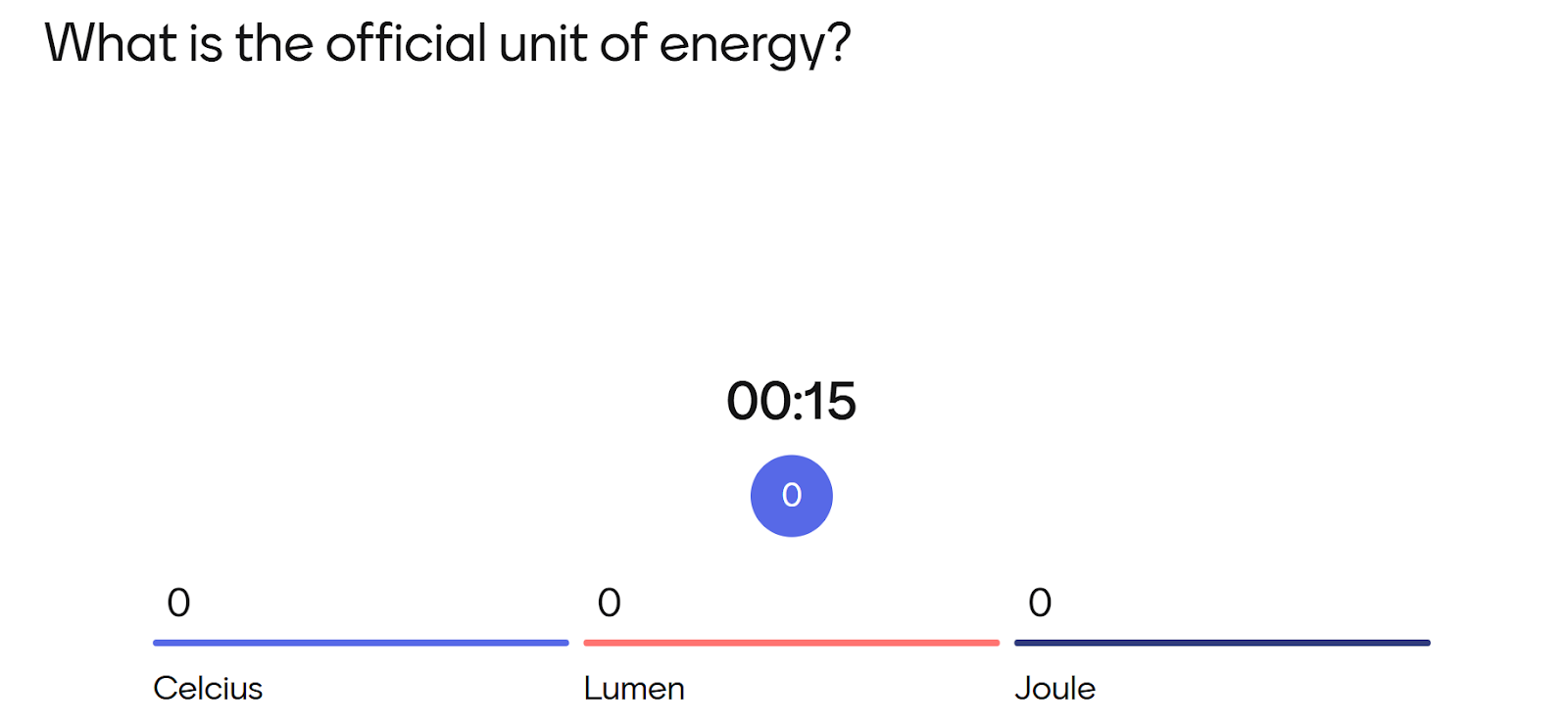
What it does well: Unbeatable energy and Fast setup. The music and UI are designed to get people excited.
Who it’s best for: Primary education and lighthearted team-building "icebreakers."
Key limitation: Primarily designed for education rather than content publishing or social distribution
When it’s not a good fit: Formal corporate training environments where a more traditional presentation style is preferred.
3. Slido
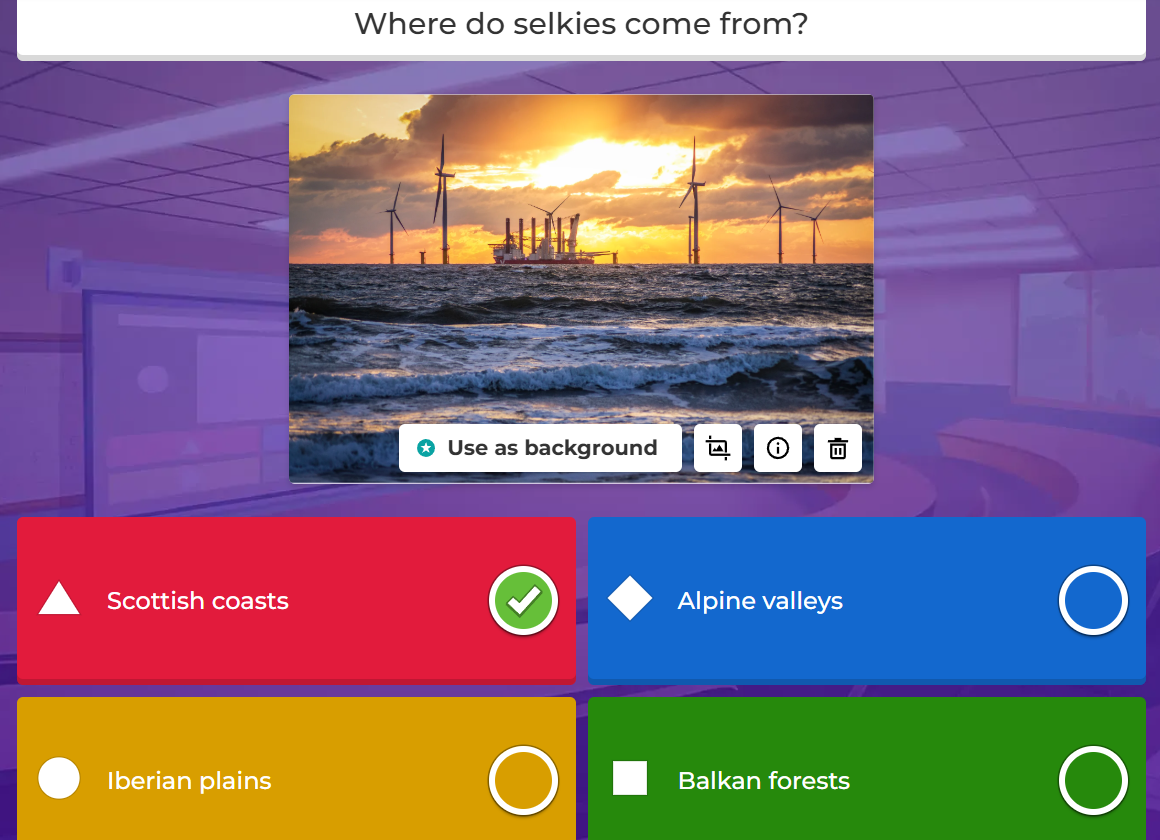
What it does well: Management of Q&A sessions. It’s the best tool for upvoting questions in a large group that integrates smoothly with Zoom and webinar platforms.
Who it’s best for: Webinar hosts who need live audience participation during presentations.
Key limitation: It's primarily a Q&A and polling tool, with very basic quiz features.
When it’s not a good fit: If you’re looking to entertain or "gamify" a session with reusable content.
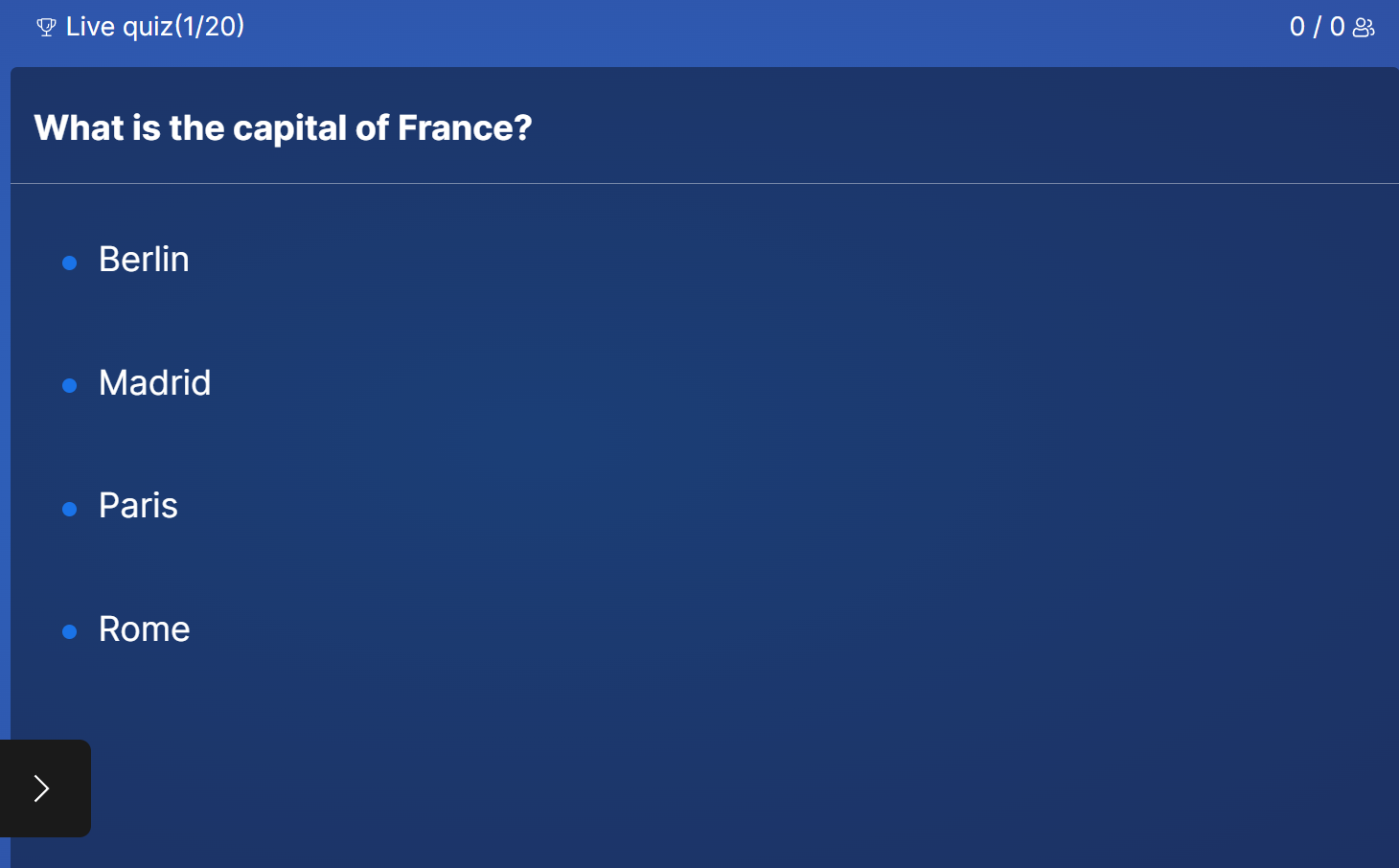
4. Quizizz (now known as WayGround)
What it does well: Self-paced mode lets learners complete quizzes asynchronously while getting instant feedback.
Who it's best for: Educators building hybrid or fully remote courses where students log in at different times.
Key limitation: Limited video export options. You can't easily turn a Quizizz quiz into a standalone video asset for social media.
When it's not a good fit: Content marketers or creators who need quiz videos for Instagram, YouTube, or LinkedIn.
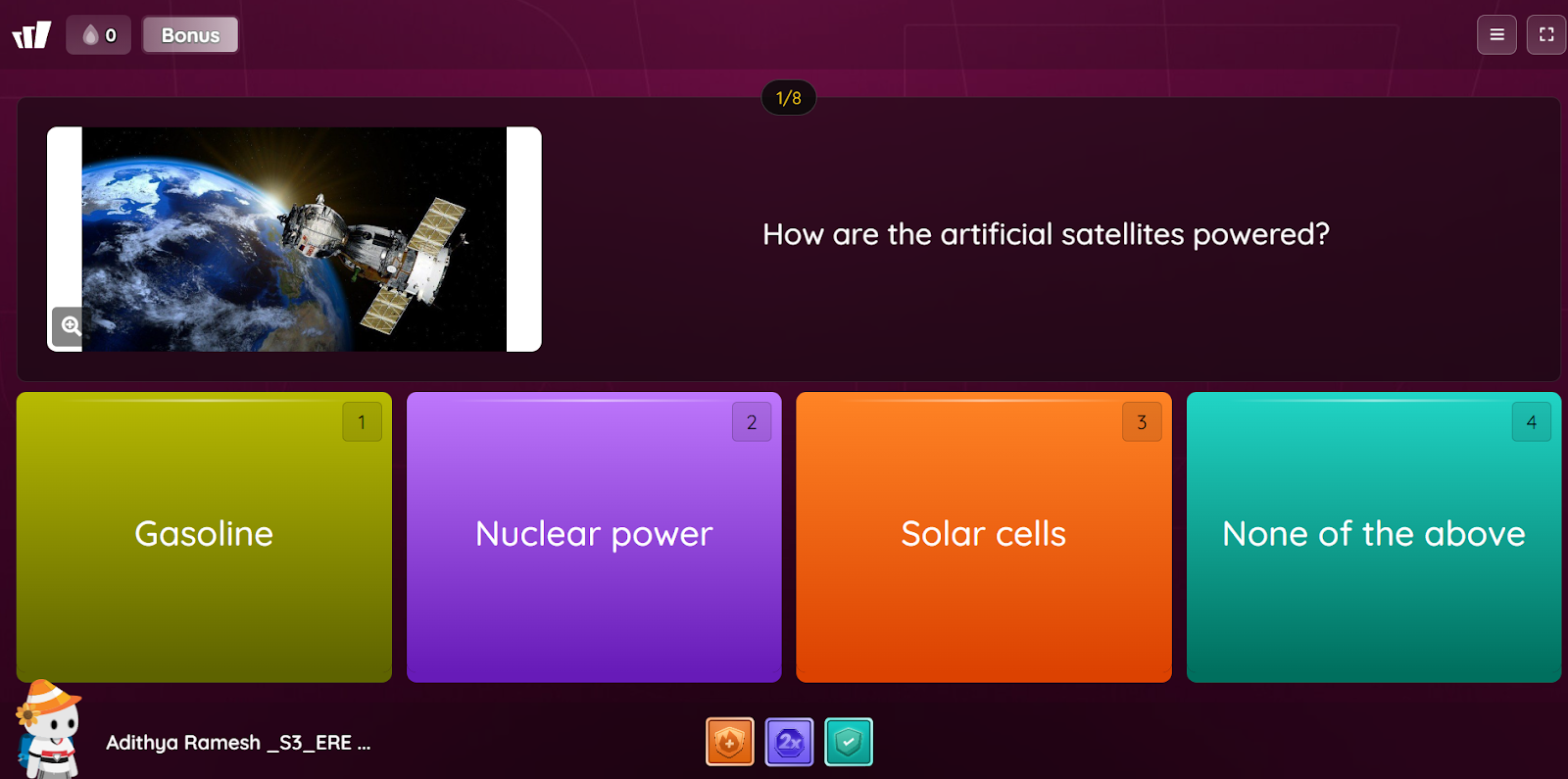
4. Trivia by Typito AI
What it does well: Bridging the gap between content and interaction through video that works across social platforms, embeds, and async workflows.
Who it’s best for: Video creators, social media managers, content marketers, and educators who need quiz content that scales beyond live sessions.
Key limitation: Newer platform with a smaller template library compared to established tools like Kahoot or TriviaMaker.
When it’s not a good fit: Teams that exclusively need live, facilitator-led quiz sessions.
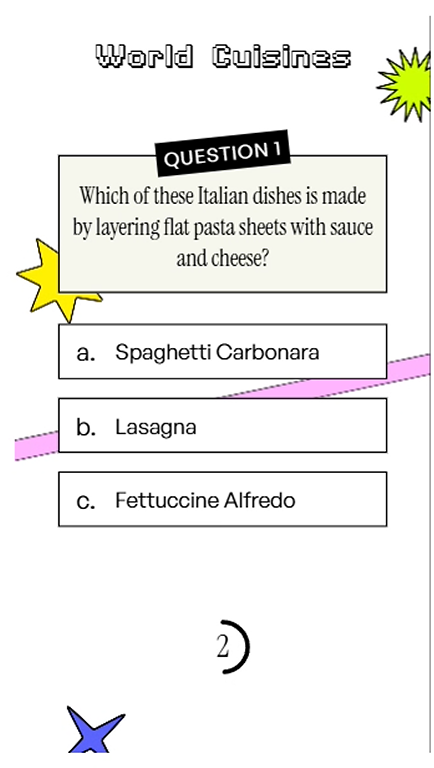
TriviaMaker vs Trivia by Typito AI: Which Should You Choose?
Choose TriviaMaker if: If you’re hosting a Friday team trivia night over Zoom, TriviaMaker’s game-show formats will likely feel more dynamic
Choose Trivia by Typito if: If you’re publishing weekly “Guess the Answer” reels to build engagement on Instagram, a video-first tool will align better with your workflow
The core difference? TriviaMaker is facilitator-led. Trivia by Typito is creator-led.
Turn ideas into reality with Typito AI
FAQs
Q1. What is the best TriviaMaker alternative for creators?
Answer: For creators focusing on social reach and video, Trivia by Typito AI is the top choice because it converts quiz data into shareable video assets.
Q2. Are there async quiz tools?
Answer: Yes. Quizizz offers self-paced homework modes for education. Trivia by Typito AI supports asynchronous video quizzes designed for social feeds and embedded content.
Q3. Can I reuse quizzes as video content?
Answer: Traditional tools like TriviaMaker are difficult to record and repurpose. Trivia by Typito AI is built specifically to output quizzes as video files, making them perfect for Instagram, TikTok, or internal video feeds.
Conclusion
TriviaMaker works well for live, game show-style events where everyone participates in real-time.
But if your audience consumes content asynchronously, through social feeds, email campaigns, or embedded videos, live-only tools create friction.
Modern quiz tools are shifting toward reusable, video-first formats that work wherever your audience is, not just during scheduled sessions.
If your audience lives on feeds, timelines, and embeds, video-based quiz tools are worth exploring.