Revisely makes it easy to create a quiz from your notes and move on with your day. For students and teachers, that simplicity is the point.
But creators and marketers run into a different problem: your audience doesn’t “show up to take a quiz.” They discover things while scrolling, clicking around, or browsing a course/community on their own time. If your workflow depends on reach, reuse, and distribution, a link-only quiz tool can feel limiting, especially when you want content you can post as a video, embed on a page, or reuse across campaigns.
So the question isn’t “what’s better than Revisely?” It’s “what fits the way you publish?” Below, we break down the best alternatives based on how and where you actually engage your audience.
Jump to a section
- How to Choose the Right Revisely Alternative
- Quick Comparison Table
- Best Revisely Alternatives by Use Case
- Tool-by-Tool Breakdown
- Revisely vs. Trivia by Typito AI - Which Should You Choose?
How to Choose the Right Revisely Alternative
Before you switch tools, get honest about what you actually need. These are the questions worth asking:
- Live vs. async
Does your audience show up at a scheduled time, or do they find your content on their own?
Live tools require everyone to be present simultaneously. Async tools keep working at 11 pm on a Saturday when someone stumbles across your post. - Audience size limits
Free tiers will catch you off guard.
Revisely operates on a freemium model with limits on AI-assessed answers, check the current limits on their plans page before you go live, as these can change. - Video support
Can you export the quiz as a video file for Instagram Reels, YouTube Shorts, or LinkedIn?
Most quiz platforms, including Revisely, aren't built for feed-based publishing. If your workflow involves posting to social media, this isn't optional.
For creators, ‘video support’ means a downloadable vertical MP4 you can post, not just a quiz embedded inside a video player - Replay & reuse value
Does the content keep working after you publish it?
Some tools archive results but close participation after the session. Others produce evergreen content that can keep earning engagement after publishing, without needing a live session. - Social media compatibility
Does it work natively on feeds, or does it ask people to click a link and leave the platform?
On social, that extra step kills engagement before it starts. - Analytics depth
Are you measuring completion rates and drop-off points, or just participation counts?
If you're optimizing for content performance, you need to see where people lose interest, not just who showed up.
Quick Comparison Table
Best Revisely Alternatives by Use Case
#1. If You're Building Study Materials or Learning Assessments
Best options: Quizgecko, ProProfs Quiz Maker
Why they work:
- Generate quizzes from PDFs, URLs, and uploaded course content
- Support graded outputs, scoring rubrics, and automated certificates
- LMS integrations (Moodle, Canvas) make deployment inside courses seamless
- Works well for self-paced learners who need structured, repeatable assessments
But consider:
- Neither platform exports to video or social-native formats
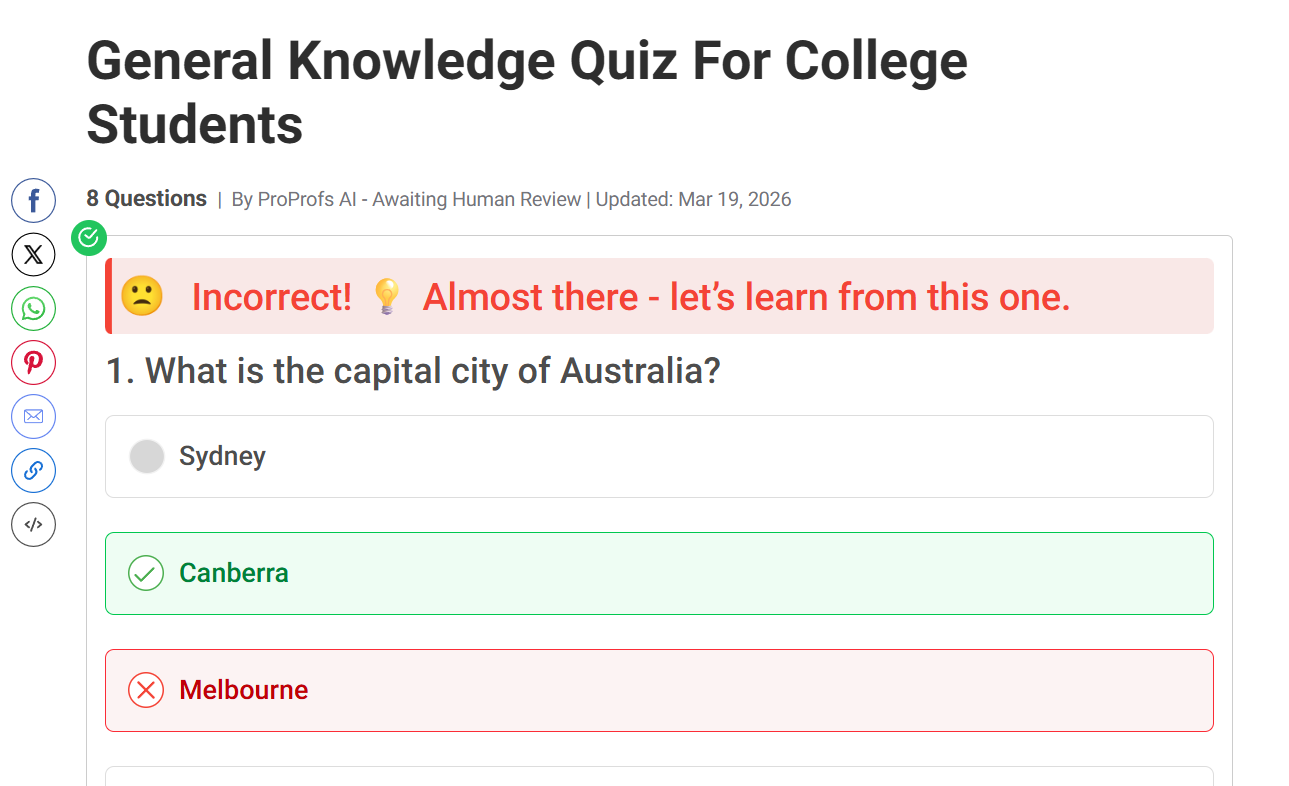
- ProProfs free tier caps allow short quizzes up to 12 questions.
- Revisely's own free plan limits AI-assessed answers to 50 total, these tools have similar ceilings unless you upgrade
- Still requires participants to visit an external platform, also designed to be shared as video content so people can participate without joining a scheduled session
Choose these if: You're an educator or instructional designer building course assessments, practice tests, or certification quizzes where grading logic and LMS compatibility matter more than social reach.
#2. If You Need Lead Gen Quizzes Inside a Funnel
Best options: Typeform, involve.me
Why they work:
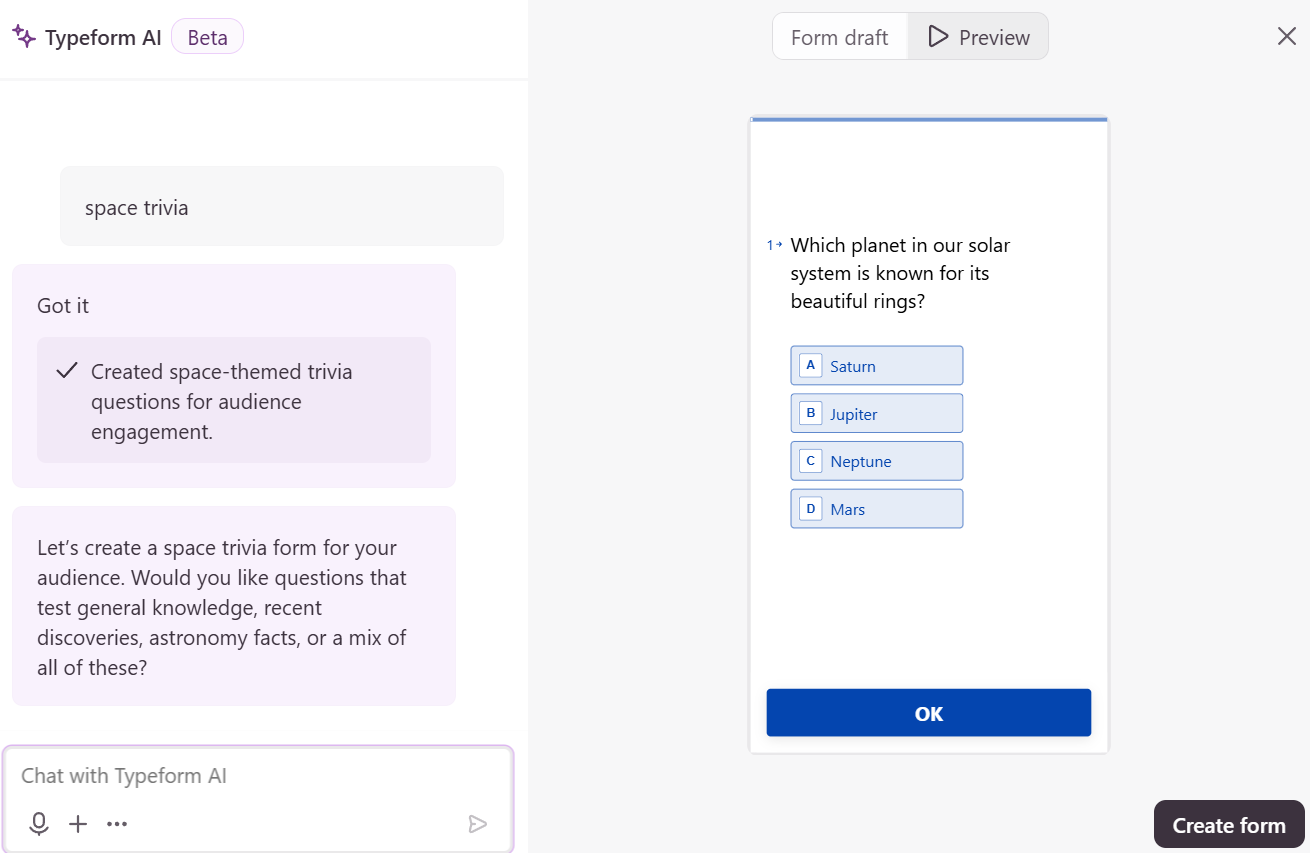
- Conversational one-question-at-a-time format (Typeform) feels like a dialogue, not a test
- involve.me supports conditional branching, calculator flows, and personalized result pages
- Native integrations with HubSpot, Mailchimp, and Google Analytics out of the box
- Async by default, participants complete at their own pace inside a funnel sequence
But consider:
- Neither produces video output or social-native content
- Typeform completion rates can drop on longer quizzes due to the single-question format
- These are conversion tools first, not content tools or engagement builders
- Audience has to be sent to the quiz; it won't find them in a feed
Choose these if: You're a B2B marketer or agency building lead capture flows where the quiz is a step in a funnel, not the content itself.
#3. If You Publish Content on Social Media or Feed
Best option: Trivia by Typito AI
Why it works:
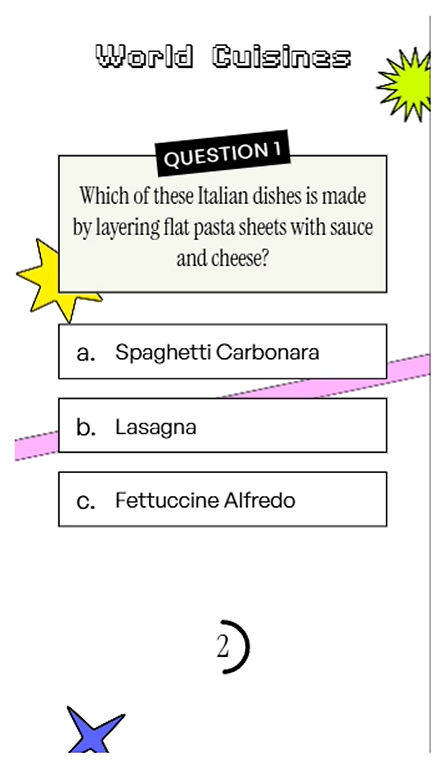
- Generates quiz videos optimized for Instagram Reels, YouTube Shorts, TikTok, and LinkedIn
- Async participation, viewers engage on their own schedule, no session required
- Reusable content that keeps earning engagement long after you publish it
- No PIN codes, no external links, viewers watch and interact natively in the feed
- Full video production from a single topic prompt: questions, visuals, voiceover, done
But consider:
- Video-based format means no live, facilitator-led interaction
- Not designed for LMS integration or graded assessments
- Best for content creators and marketers, not classroom facilitators
Choose this if: You're a social media manager, content creator, or community builder who needs quiz content that scales across feeds and timelines, without asking your audience to click a link, enter a code, or show up at a scheduled time.
#4. If You Need Live Group Sessions or Classroom Quizzes
Best option: Wayground (formerly Quizizz)
Why it works:
- Supports live game-show-style sessions with real-time leaderboards and facilitator controls
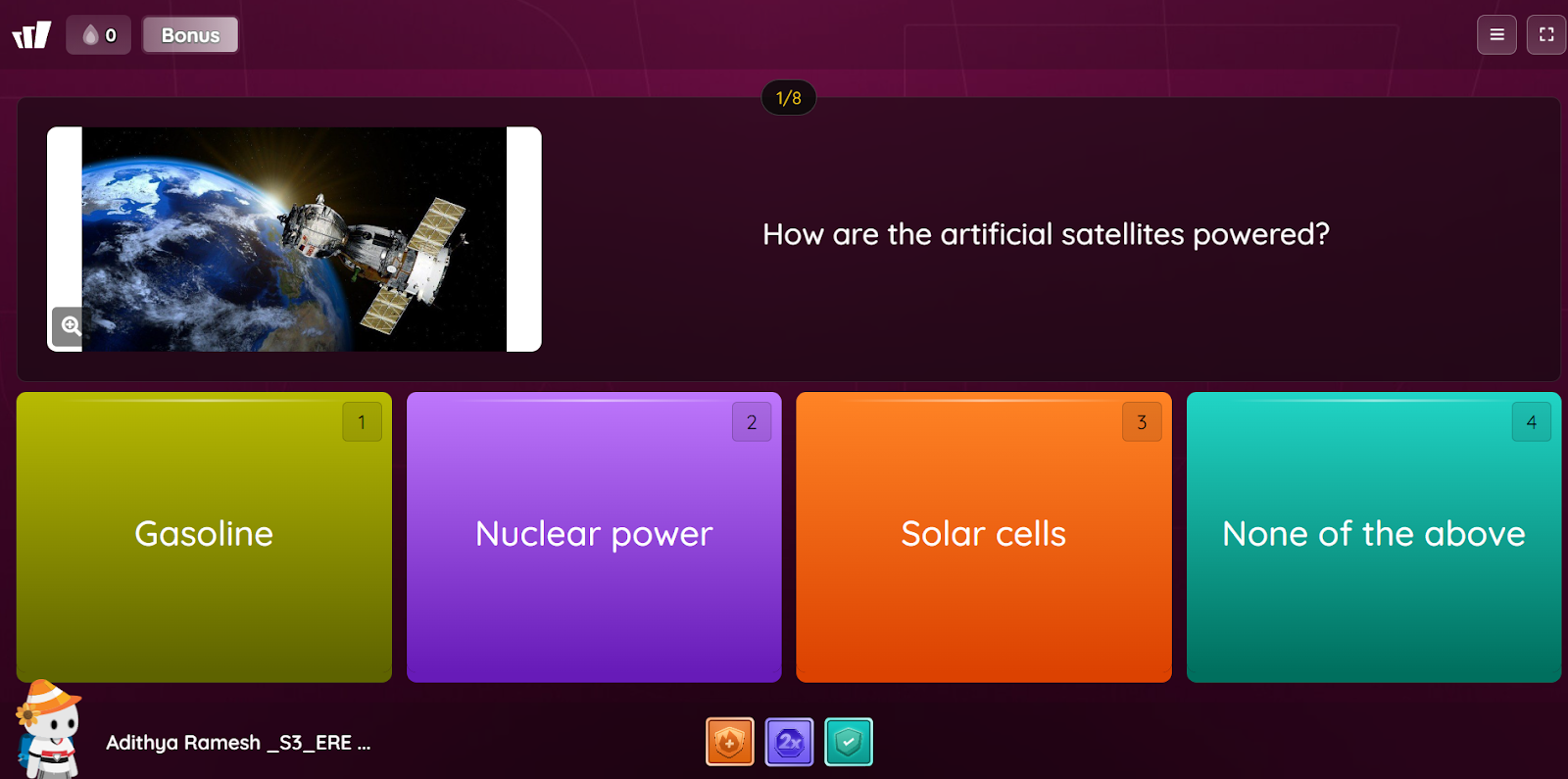
- Self-paced async mode available for homework or independent review in the same platform
- Built for structured participation — teachers and L&D teams can pace, pause, and monitor progress live
- Works for physical classrooms, remote teams, and hybrid setups equally well
But consider:
- No downloadable video output — quizzes stay inside the platform
- Not designed for organic discovery; your audience has to be scheduled or assigned
- Leaderboard and gamification features are session-dependent, they don't carry over to async content
- Not a fit for content creators or marketers distributing to a passive audience
Choose this if: You're running a classroom, training session, or live event where everyone participates at the same time and a facilitator needs to be in control of the room.
Tool-by-Tool Breakdown
1. Trivia by Typito AI
What it does well: Turns a topic prompt into a fully produced quiz video, questions, visuals, voiceover, and pacing, all handled automatically.
Who it's best for: Faceless YouTube creators, social media managers, content marketers, and anyone building engagement through video without needing live facilitation.
Key limitation: No live session mode.
When it's not a good fit: If you need graded assessments, compliance training exports, or a live game-show format with a facilitator in control.
2. Quizizz (now known as Wayground)
What it does well: A self-paced "homework mode" that lets learners complete quizzes asynchronously while still getting instant feedback.
Who it's best for: Teachers running hybrid classrooms, L&D teams deploying training content across distributed teams, HR managers who want leaderboards without requiring everyone to be live.
Key limitation: No video output and social export. Quizzes stay inside the platform.
When it's not a good fit: Content marketers or creators who need quiz content that lives on Instagram, YouTube, or LinkedIn feeds.
3. ProProfs Quiz Maker
What it does well: Deep assessment infrastructure, timed quizzes, anti-cheat settings, scoring rubrics, automated certificates, and detailed performance analytics.
Who it's best for: HR compliance teams, corporate trainers, and educators who need auditable, graded outputs
Key limitation: The free tier caps allow short quizzes up to 12 questions.
When it's not a good fit: Any workflow where the goal is building an audience, not evaluating one.
4. Typeform
What it does well: One question at a time. Typeform is more of a conversation rather than a form, and it works remarkably well for personality quizzes, customer research, and lead qualification.
Who it's best for: B2B marketers, SaaS teams, and agencies building high-conversion lead capture flows where the quiz is part of a funnel.
Key limitation: No video or social export.
When it's not a good fit: When you want people to feel competitive, not just reflective. Gamified content, social sharing, and video output are all outside Typeform's design intent.
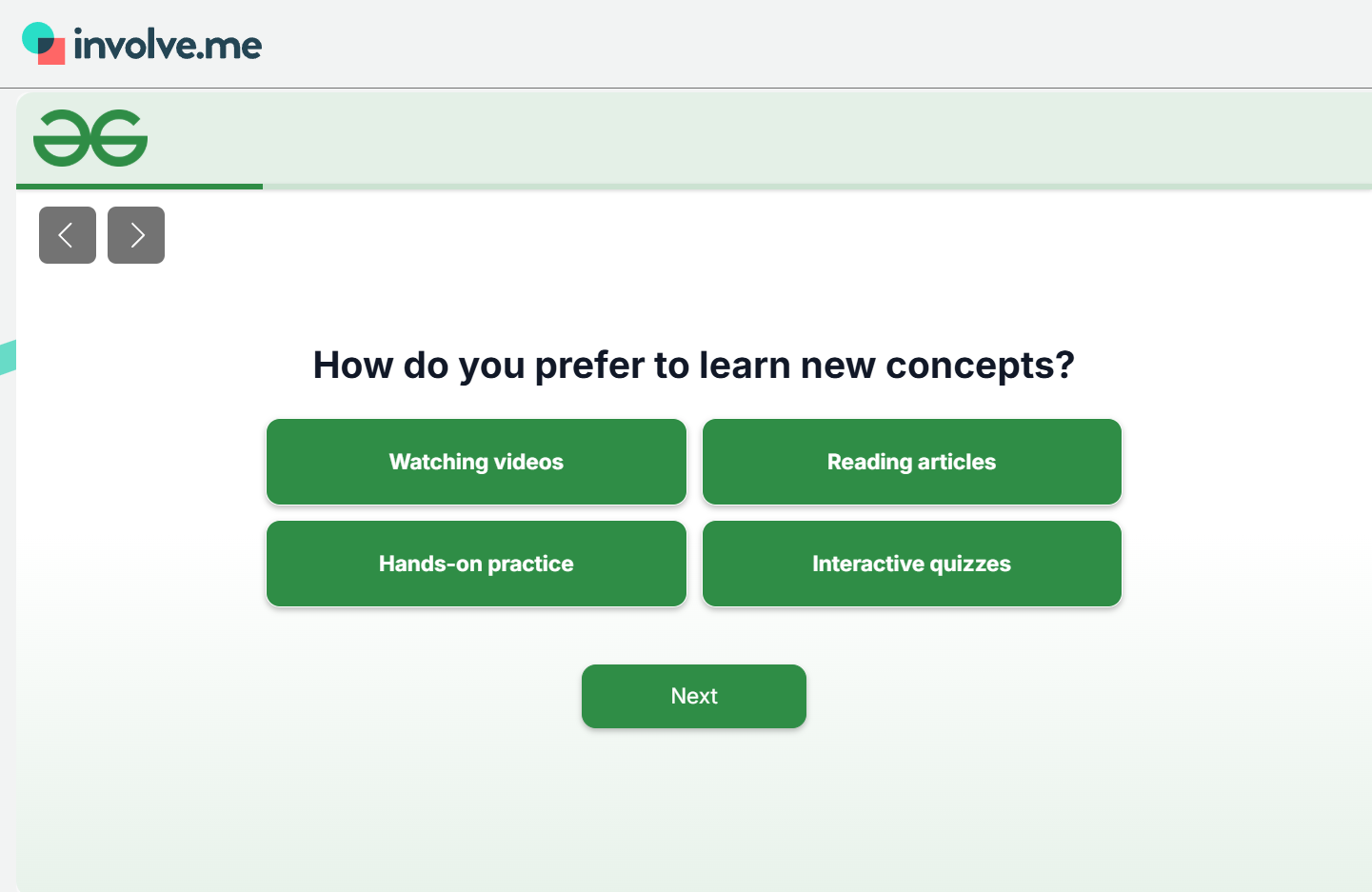
5. involve.me
What it does well: Conditional logic that goes deep, calculator flows, branching quizzes, personalized result pages, all inside a lead funnel. Well-suited for turning quiz completions into CRM entries.
Who it's best for: Agencies and marketing teams building interactive funnels where the quiz is a conversion mechanism, not a content piece.
Key limitation: It's a funnel tool platform. If distribution and social reach matter to you, involve.me doesn't suit.
When it's not a good fit: Organic social engagement, creator content, or anything where the audience finds you rather than you capturing them.
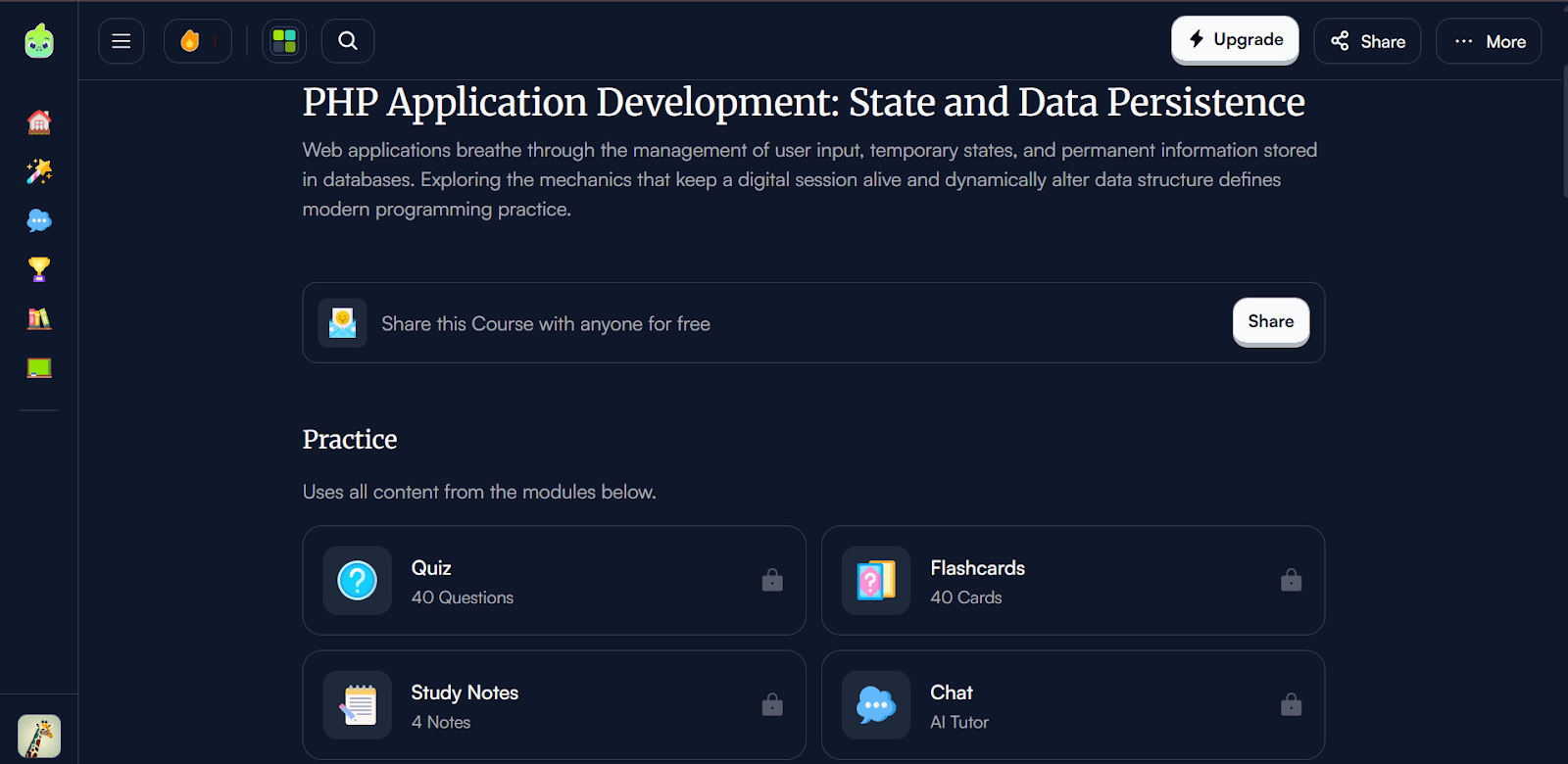
6. Quizgecko
What it does well: Generates clean, structured questions from PDFs, URLs, and uploaded docs. Moodle and Canvas integrations make it a legitimate time-saver for instructional designers building course assessments.
Who it's best for: Educators and instructional designers who want AI to speed up quiz creation inside existing course infrastructure.
Key limitation: Low social output and video.
When it's not a good fit: Good for study/revision workflows; less ideal if your goal is content distribution.But quizzes can still be shared externally, but needs a plan upgrade.
Revisely vs Trivia by Typito AI Which Should You Choose
These tools overlap on ‘quizzes,’ but they’re optimized for different outcomes.
FAQs
Q1. Are there async quiz tools that don't need a live audience?
Answer: Yes. Quizizz supports self-paced modes. Trivia by Typito AI is fully async, and audiences engage through video on their own schedule.
Q2. Does Revisely work for teams or just individual learners?
Answer: Revisely is primarily designed for individual study workflows. Its "Responses" feature, which would be needed to share quizzes with a group and track result.
Q3. What's the best Revisely alternative for creators?
Answer: Trivia by Typito AI is the clearest fit for creators who publish to social feeds. It produces downloadable vertical video rather than a quiz link, so the content works natively on Instagram Reels, YouTube Shorts, TikTok, and LinkedIn without asking the audience to click away.
Q4. Can I turn quizzes into video content?
Answer: Most quiz platforms can't. Trivia by Typito AI is built specifically for this — it takes a topic prompt and generates a fully produced quiz video you can download and post.
Q5. Which quiz tool works best for live classroom or group sessions?
Answer: Wayground (formerly Quizizz) is the strongest option here. It supports real-time, facilitator-led sessions with leaderboards and live feedback, alongside async self-paced modes for homework or independent review.
Conclusion
Quiz formats are shifting. Static links and live-only sessions still have their place, but audiences in 2026 expect to engage on their own terms, on their own schedule, inside the platforms they already use.
If your quizzes live inside courses and study workflows, Revisely-style tools are a solid fit. If your audience lives on feeds, timelines, and embeds, video-based quiz tools are worth exploring.
Try turning one existing quiz topic into a short video round and see how your audience responds.